


IAMMETER Wi-Fi energy meters provide open data interfaces for developers, system integrators and customers building their own energy monitoring software.
You can retrieve measurements directly from the meter, let the meter upload data to your server, deploy an IAMMETER self-hosted service, or build an application on top of IAMMETER-Cloud APIs.
This page is the developer navigation guide for choosing an architecture. It links to the current protocol definitions and implementation documents rather than duplicating every API parameter.
If your first question is whether an IAMMETER meter can work without Internet access or IAMMETER-Cloud, start with Use a Wi-Fi Energy Meter Without Internet or Cloud. For a platform-oriented comparison, see Self-hosted and Open-source Integration.
There are four main ways to use IAMMETER data in your own application.
| Architecture | Data flow | Best suited to | IAMMETER-Cloud required? |
|---|---|---|---|
| Read the meter locally | Application → Meter | LAN dashboards, automation, PLC and SCADA | No |
| Let the meter upload data | Meter → Customer server or broker | Custom cloud, EMS, BMS and IoT backends | No |
| Deploy IAMMETER self-hosted software | Meter → IAMMETER-Docker or IAMMETER-Central → Application | Users who want storage and APIs without building the complete backend | No |
| Build on IAMMETER-Cloud APIs | Meter → IAMMETER-Cloud → Application | Applications that want to reuse IAMMETER-Cloud data and services | Yes |
The correct choice depends on where data should be stored, whether the project needs Internet-independent operation, the required refresh rate and how much backend development you want to maintain.
Choose this architecture when the application and meter are on the same local network.
IAMMETER meter ← Local HTTP API or Modbus TCP ← Your application
Your application controls the polling interval and stores any history it needs. No IAMMETER cloud service is required for the local data path.
The meter provides local HTTP endpoints for retrieving measurements such as voltage, current, active power, imported energy and exported energy.
Common measurement endpoints include:
/api/monitorjson/api/monitorLocal HTTP API access is a practical starting point for:
See the IAMMETER Local API and Open Interface Guide for current endpoint definitions and examples.
Use Modbus TCP when the project requires:
See the IAMMETER Modbus TCP Register and Integration Guide.
Direct local reading returns meter measurements. Your application remains responsible for any additional functions it requires, including:
If you do not want to build these backend functions from the beginning, consider IAMMETER-Docker or IAMMETER-Central.
Choose this architecture when the meter should initiate the connection and send data to an endpoint managed by you.
IAMMETER meter → MQTT/MQTTS, HTTP/HTTPS or TCP/TLS → Your server
Current IAMMETER firmware supports several upload interfaces:
| Interface | Customer-side component | Typical application |
|---|---|---|
| MQTT / MQTTS | MQTT broker and subscriber | IoT platforms, automation and message pipelines |
| HTTP / HTTPS | HTTP endpoint | REST backend, cloud service or custom EMS |
| TCP / TLS | TCP server | Custom collector and protocol-level integration |
The meter and your server use a consistent IAMMETER measurement JSON structure across the supported upload methods. Review the data definition before implementing your parser.
Implementation resources:
A server on the same LAN can operate without Internet access. A remote endpoint still requires a working route through the Internet, a private WAN or a VPN.
IAMMETER provides two self-hosted options for users who want private data deployment without implementing every backend component themselves.
IAMMETER-Docker is an open-source, self-hosted energy monitoring system. It provides local data collection, basic monitoring functions, charts and APIs.
It is generally suitable for:
Continue with:
IAMMETER-Central is self-hosted data middleware for enterprise users, installers and system integrators.
It focuses on:
IAMMETER-Central does not attempt to provide the complete business logic of an energy management application. It is useful when the customer wants a maintained data middleware layer and will build its own user interface or business functions.
See IAMMETER Self-hosting Options for a comparison of IAMMETER-Docker, IAMMETER-Central, open-source platforms and direct server integration.
Using IAMMETER-Cloud is another way to develop a custom dashboard or application. In this architecture, the meter uploads data to IAMMETER-Cloud and your application retrieves the data exposed by IAMMETER-Cloud APIs.
IAMMETER meter → IAMMETER-Cloud → Cloud API → Your application
This option can reduce device-side and data-ingestion development, but it is not an offline or cloud-independent architecture.
It is suitable when:
See the IAMMETER-Cloud API Documentation for supported API operations and authentication requirements.
Before building a complete monitoring system, check whether an existing platform already provides the storage, dashboard and automation functions you need.
IAMMETER can be integrated with:
These platform-specific pages are the implementation guides. For a broader comparison, use the Self-hosted and Open-source Integration Overview.
| Project requirement | Recommended starting point |
|---|---|
| Simple LAN script or dashboard | Local HTTP API |
| One-second local data or industrial control | Modbus TCP |
| Existing MQTT infrastructure | MQTT or MQTTS upload |
| Existing web backend | HTTP or HTTPS upload |
| Custom socket collector | TCP or TLS upload |
| Ready-to-use private monitoring for an individual user | IAMMETER-Docker |
| Enterprise middleware for ERP, EMS or BMS | IAMMETER-Central |
| Smart-home dashboard and automation | Home Assistant |
| Application built on existing IAMMETER-Cloud data | IAMMETER-Cloud API |
Before implementation, confirm:
Last updated: July 16, 2026
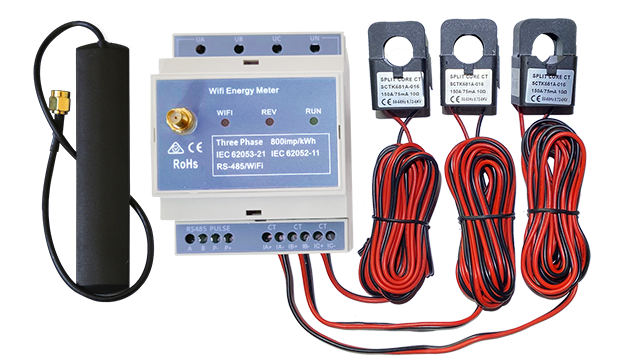
Three Phase Wi-Fi Energy Meter (WEM3080T)
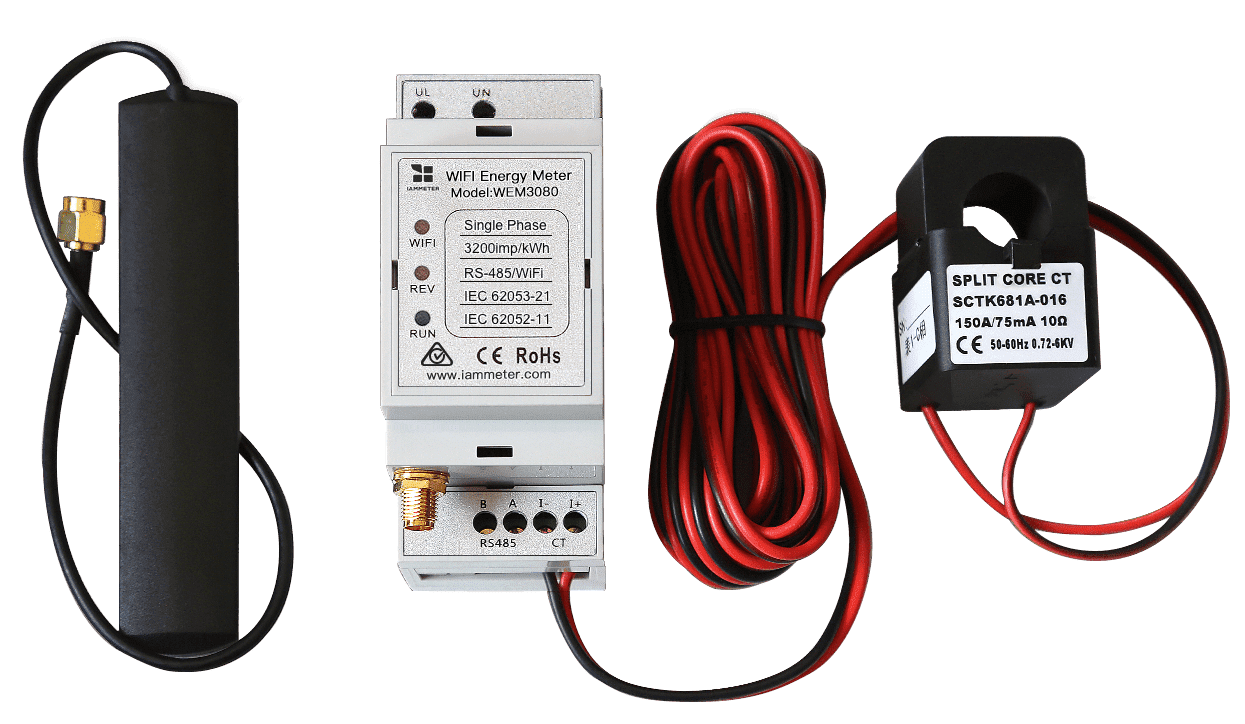
Single Phase Wi-Fi Energy Meter (WEM3080)
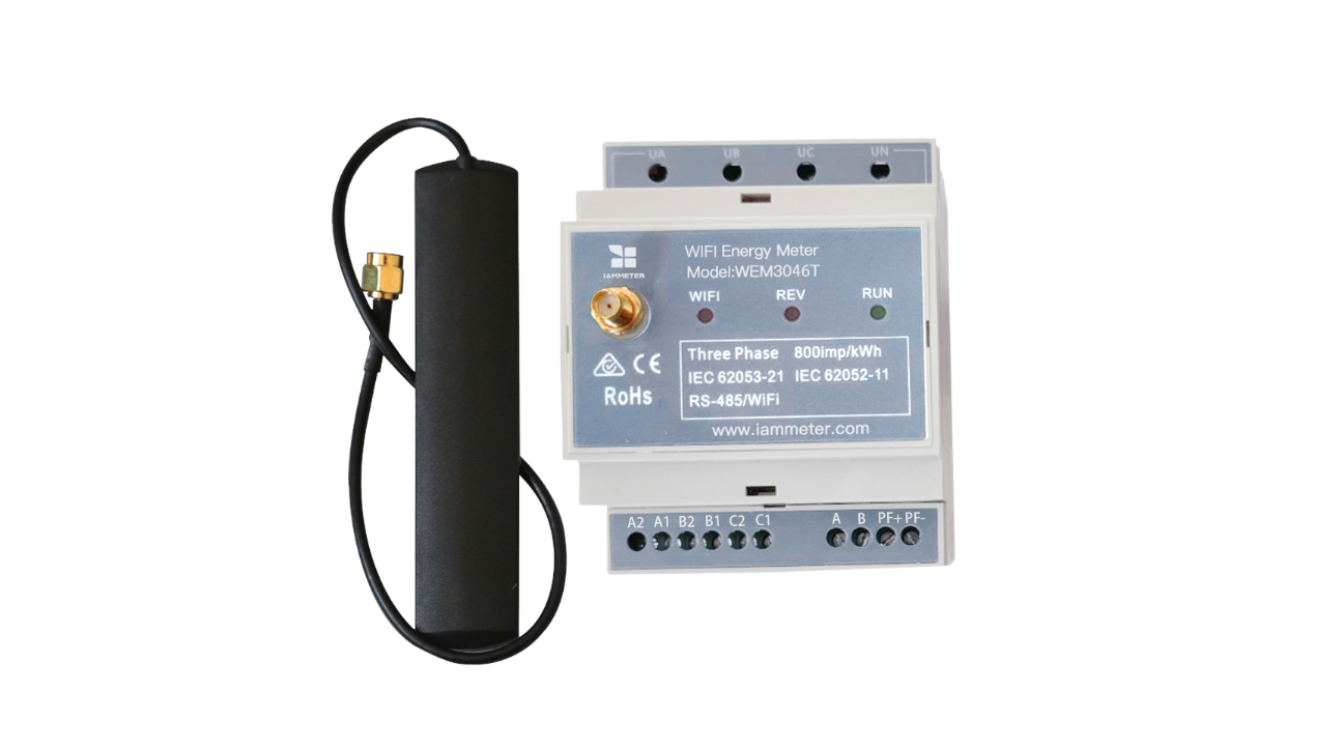
Three Phase Wi-Fi Energy Meter (WEM3046T)
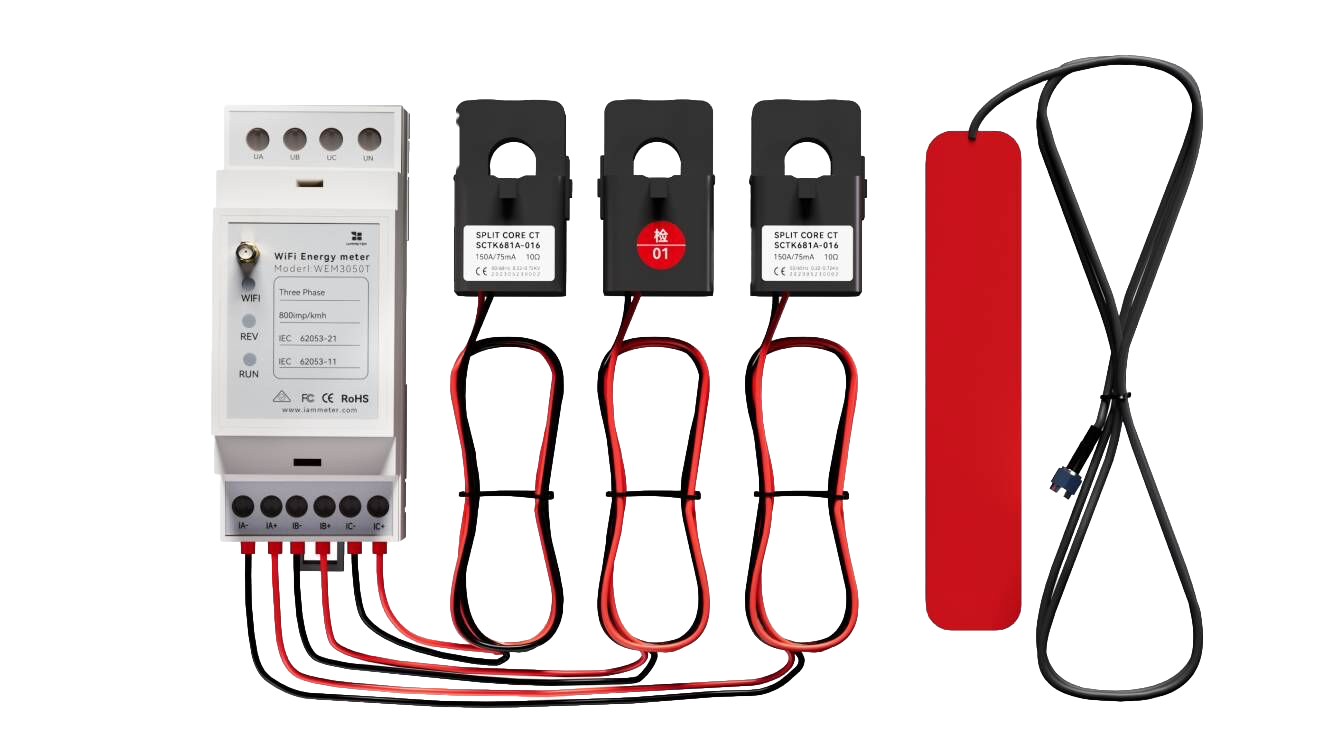
Three Phase Wi-Fi Energy Meter (WEM3050T)