


If you have an agent account (For application of agent account, you can send email to support@devicebit.com and tell us your application, simple description and the username of your agent account.), you can create the account for your customers if necessary. You can create a master account to view and edit all the information. You can also create a sub-account, which can only view the information. The sub-account can not edit any information for master account.
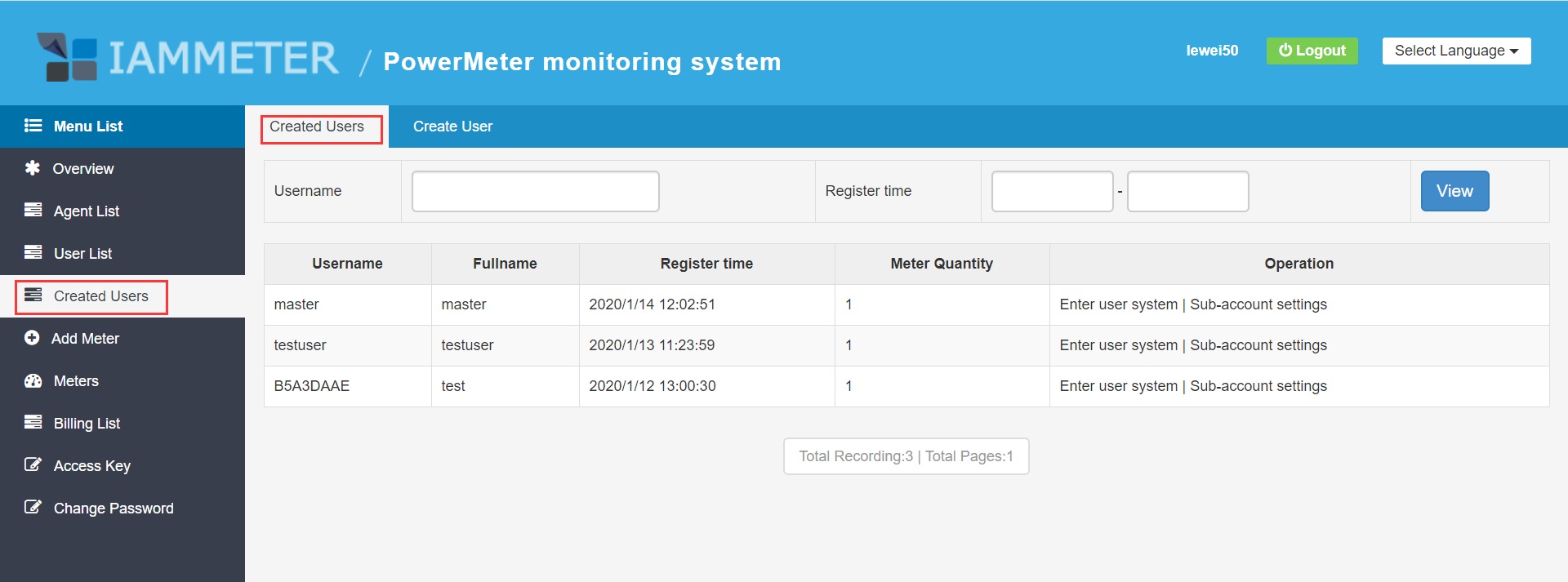
Login to your agent account (Reference: Agent Account Function), and then go to "Created users" - "Create User".
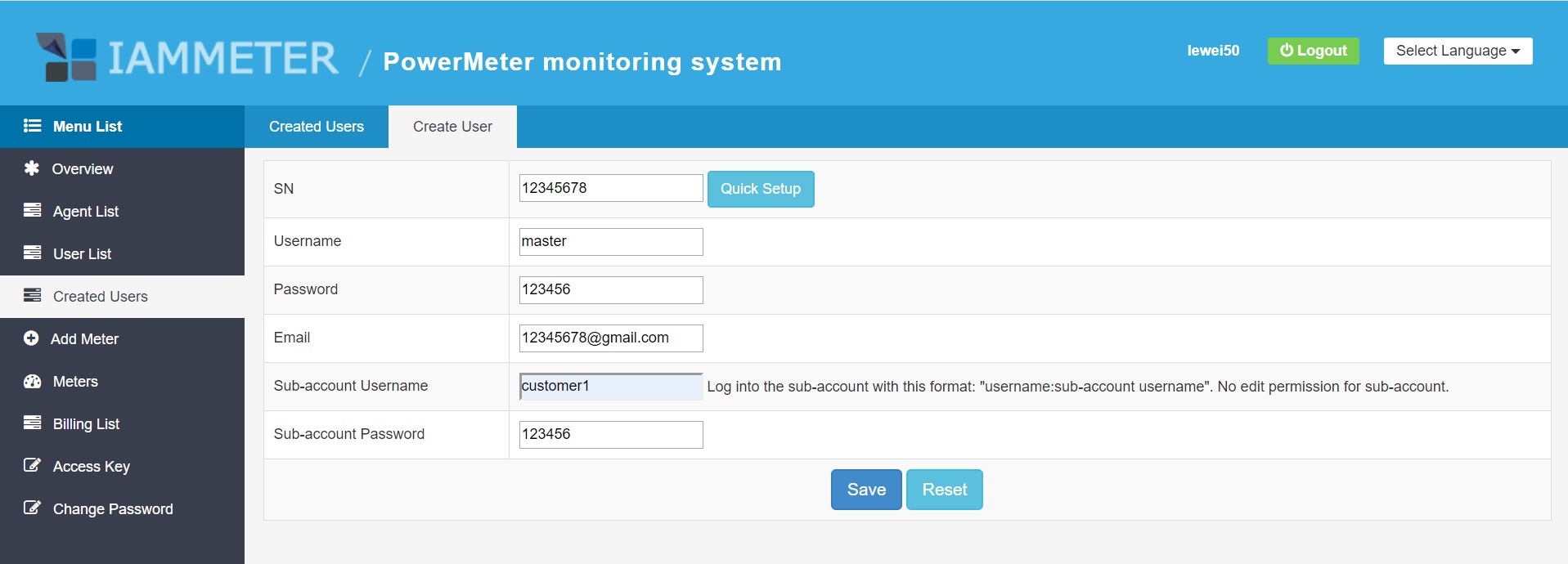
Enter the SN of the meter and other information. You can also click "Quick Setup" to create the information by default. SN: The Serial Number of your meter, you can find it on the label attached on the meter; Username: Username of new user account (master account); Password: Password of new user account (master account); Email: User's email registered for this account; Create Sub-account: The username of sub-account; Sub-account Password: The password of sub-account.
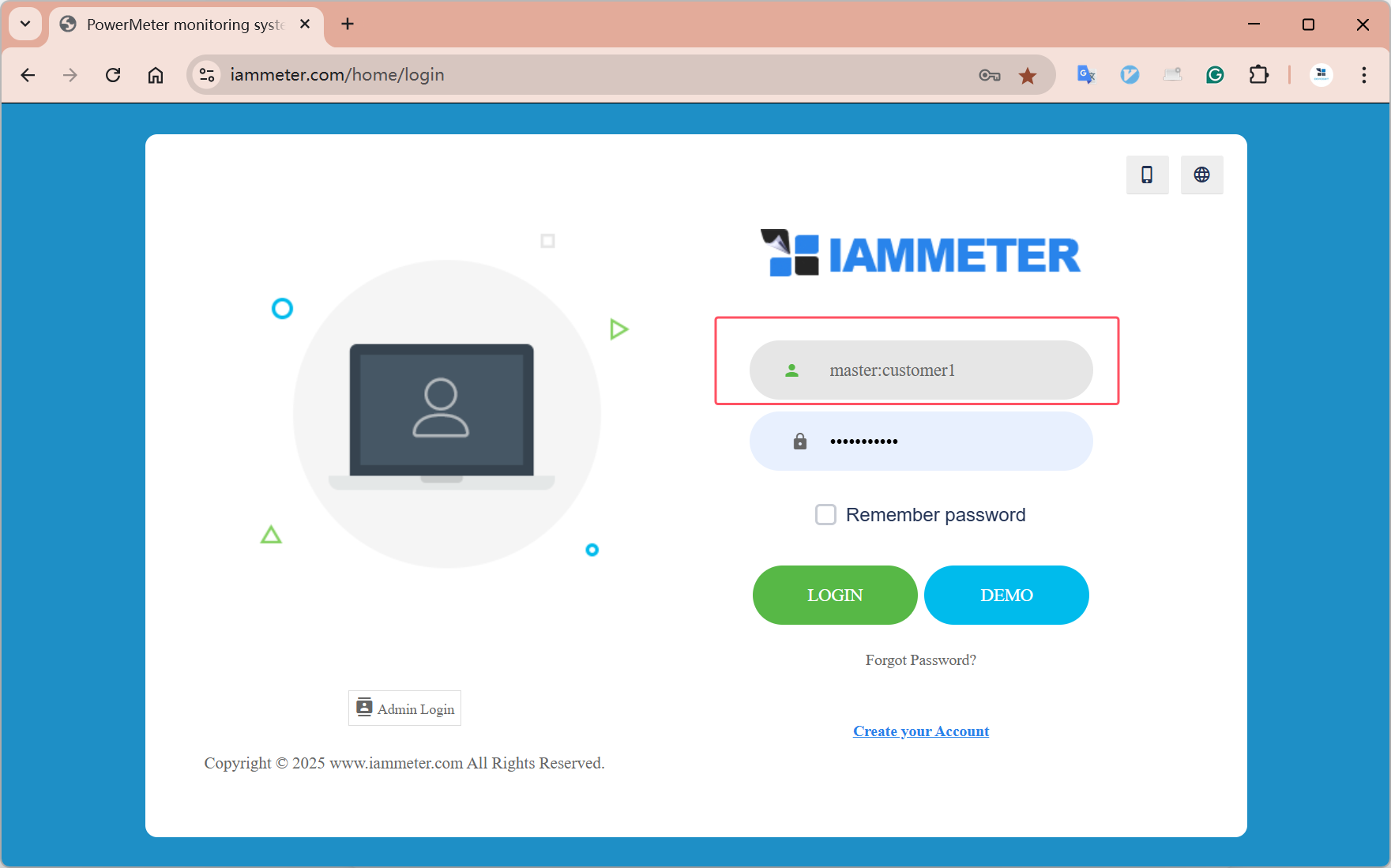
Tips: The sub-account can view the same information with the master account. But sub-account can not edit any information.
After created the master account and sub-account, you can login by both master account or sub-account. You can give your customers the sub-account so they can login to view the data but no permission to edit any information.
If the user try to edit any information in the sub-account, the system prompts the below information.

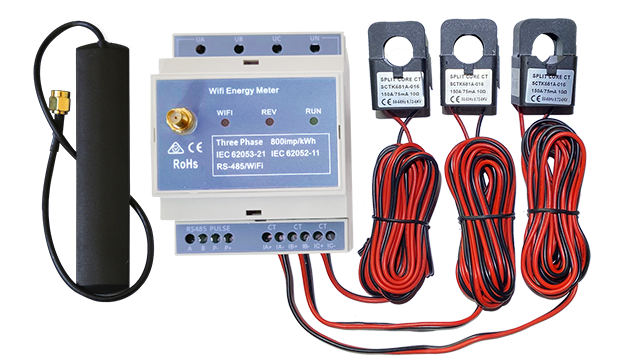
Three Phase Wi-Fi Energy Meter (WEM3080T)
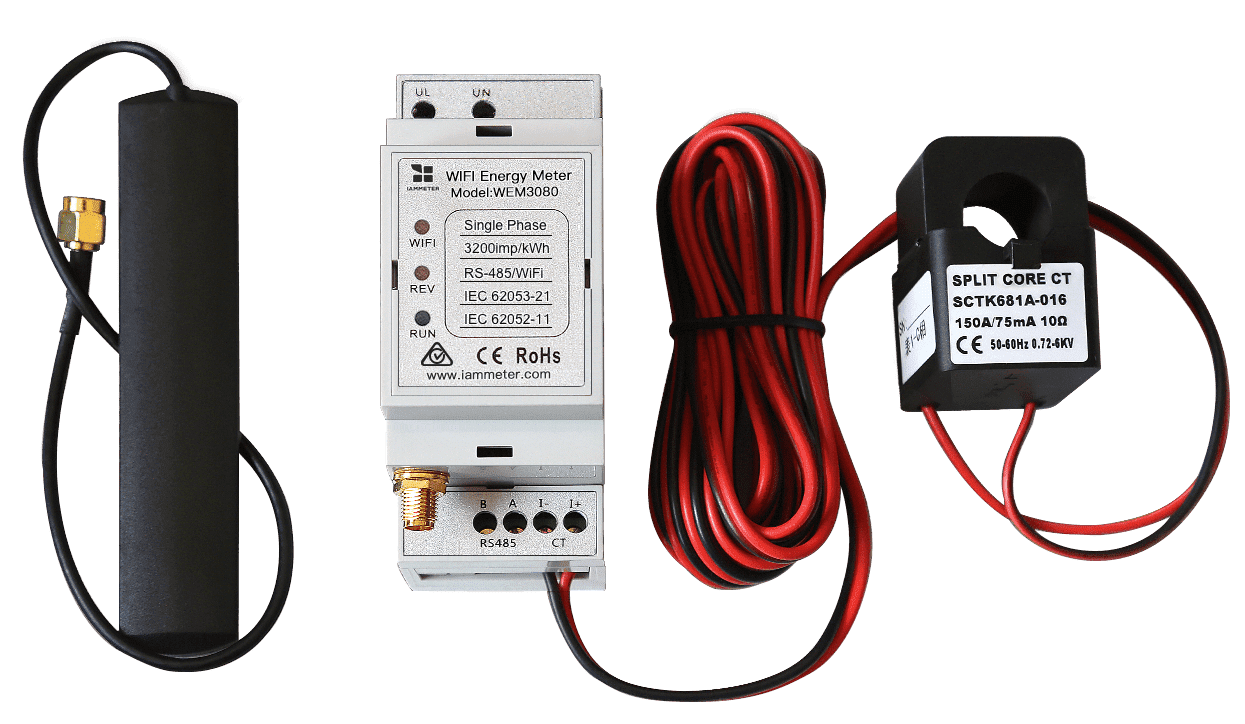
Single Phase Wi-Fi Energy Meter (WEM3080)
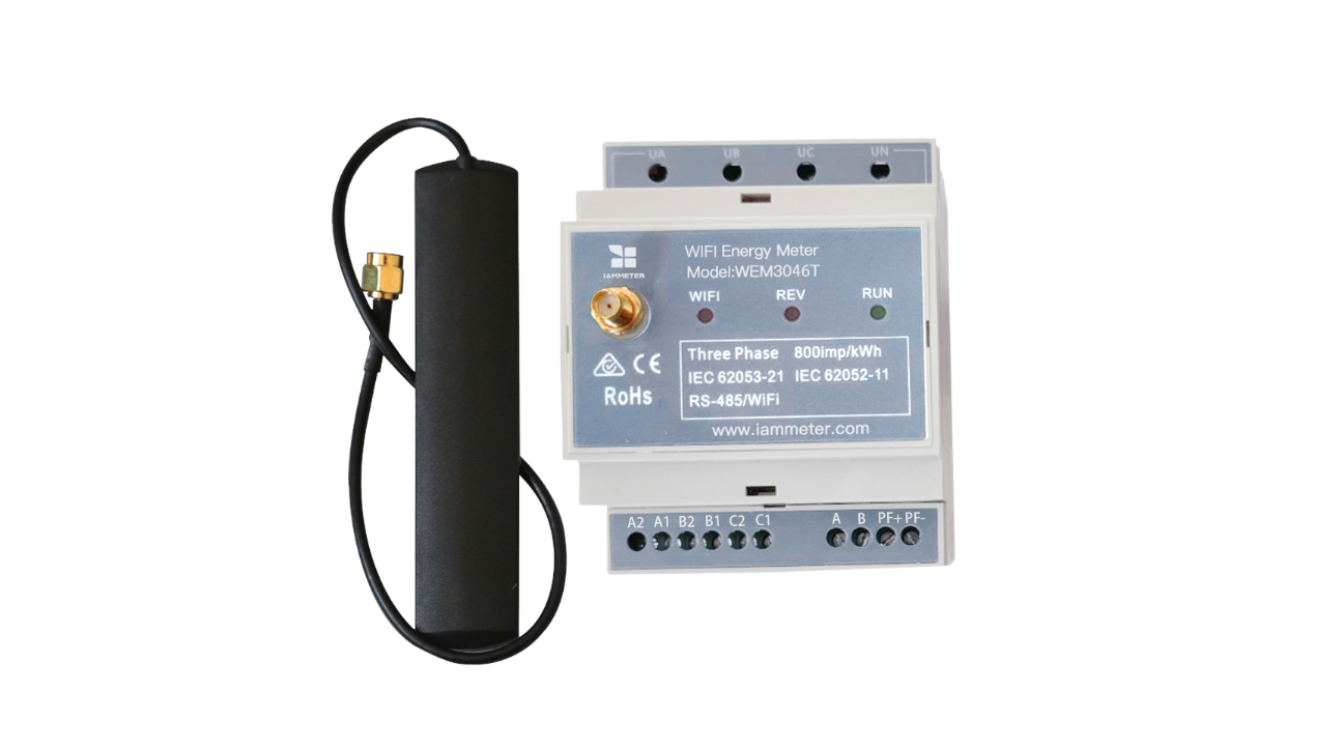
Three Phase Wi-Fi Energy Meter (WEM3046T)
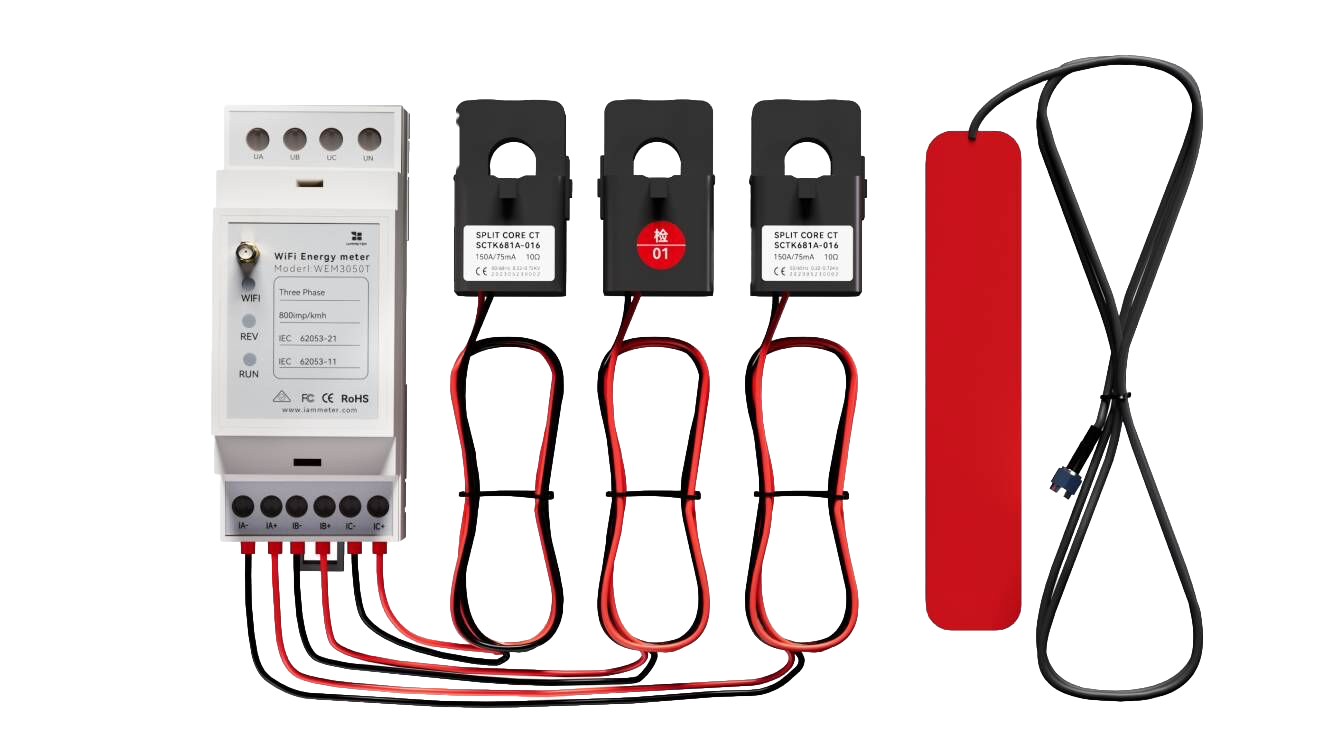
Three Phase Wi-Fi Energy Meter (WEM3050T)