


IAMMETER meters are not limited to IAMMETER-Cloud. Their open interfaces allow electricity data to be stored and processed on a server controlled by the customer.
There is no single self-hosted architecture that fits every project. The right choice depends on whether you need:
IAMMETER supports all four paths:
                        ┌─→ IAMMETER-Docker ─→ Local charts and APIs
IAMMETER energy meter ──┼─→ IAMMETER-Central ─→ Customer ERP / EMS / BMS
                        ├─→ Open-source platform ─→ Automation and dashboards
                        └─→ Customer receiver ─→ Custom backend and database
This page helps you select an architecture. Detailed installation and protocol instructions are maintained in the linked technical guides.
| Option | Primary user | Ready monitoring UI | Data storage | API for customer development | Development effort |
|---|---|---|---|---|---|
| IAMMETER-Docker | Individual users, developers and small local projects | Yes, with basic monitoring functions | Customer server | Yes | Low to medium |
| IAMMETER-Central | Enterprises, partners and system integrators | Device-management UI only; no complete energy-analysis UI | Customer MySQL or MariaDB | Yes, designed for customer applications | Medium |
| Open-source platform | Users already operating Home Assistant, Node-RED or another platform | Provided by the selected platform | Depends on the platform | Depends on the platform | Low to medium |
| Direct integration | Customers with their own backend and engineering team | No | Customer-defined | Customer-defined | High |
The simplest choice is not always the smallest software component. Select the option that removes work your team does not want to build or maintain.
IAMMETER-Docker is an open-source, self-hosted energy monitoring system. It combines data ingestion, storage, basic energy-monitoring functions, charts and APIs in one deployment.
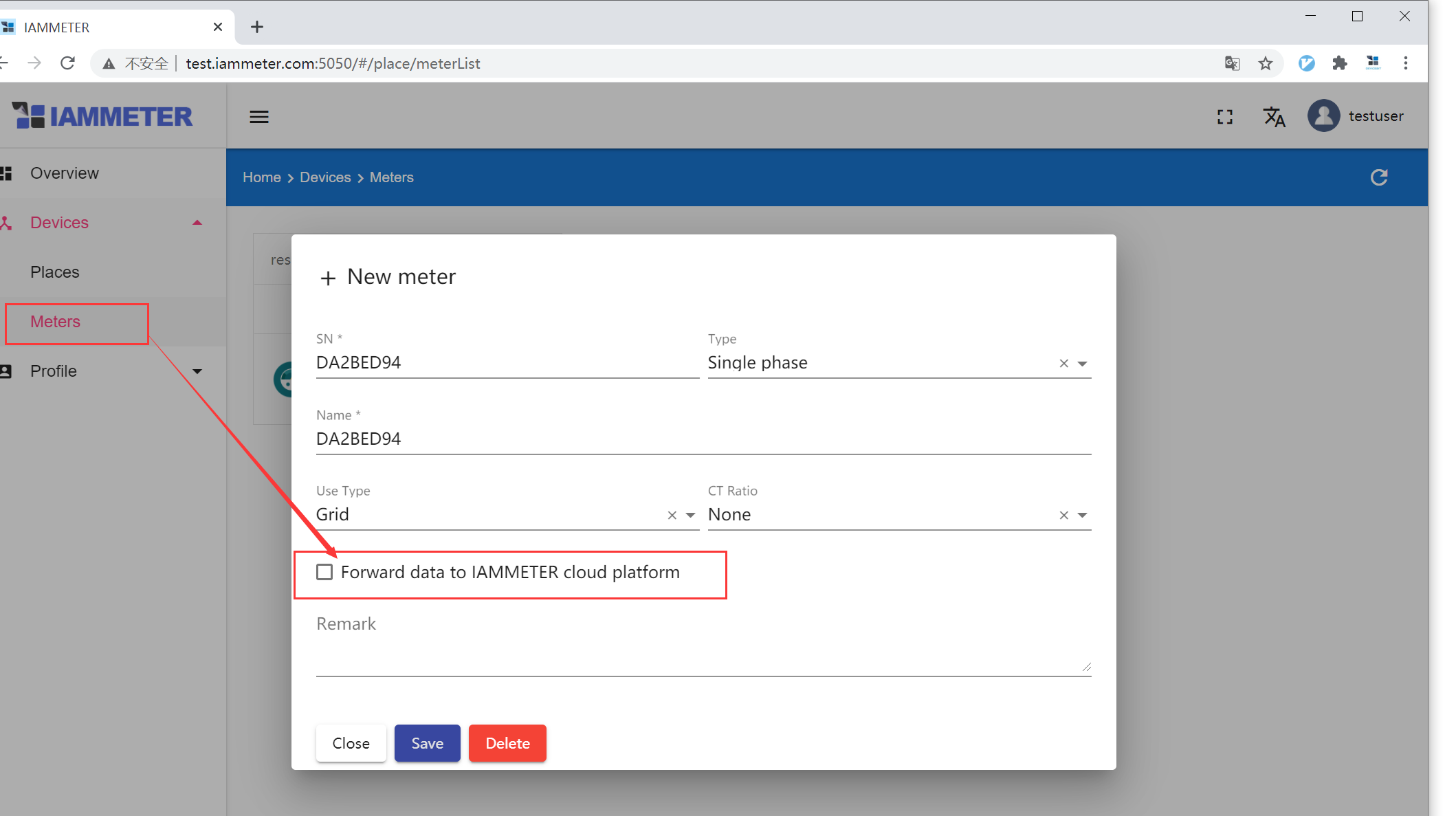
IAMMETER-Docker is a strong choice when the user wants to begin monitoring locally before writing custom software. A developer can use the built-in interface first and add a separate dashboard or data workflow through the available APIs later.
The customer remains responsible for the host, network, updates, backups, storage capacity and security. IAMMETER-Docker provides application functionality, but it does not remove normal self-hosting operations.
Continue with:
IAMMETER-Central is private-deployment middleware for enterprises, partners and system integrators.
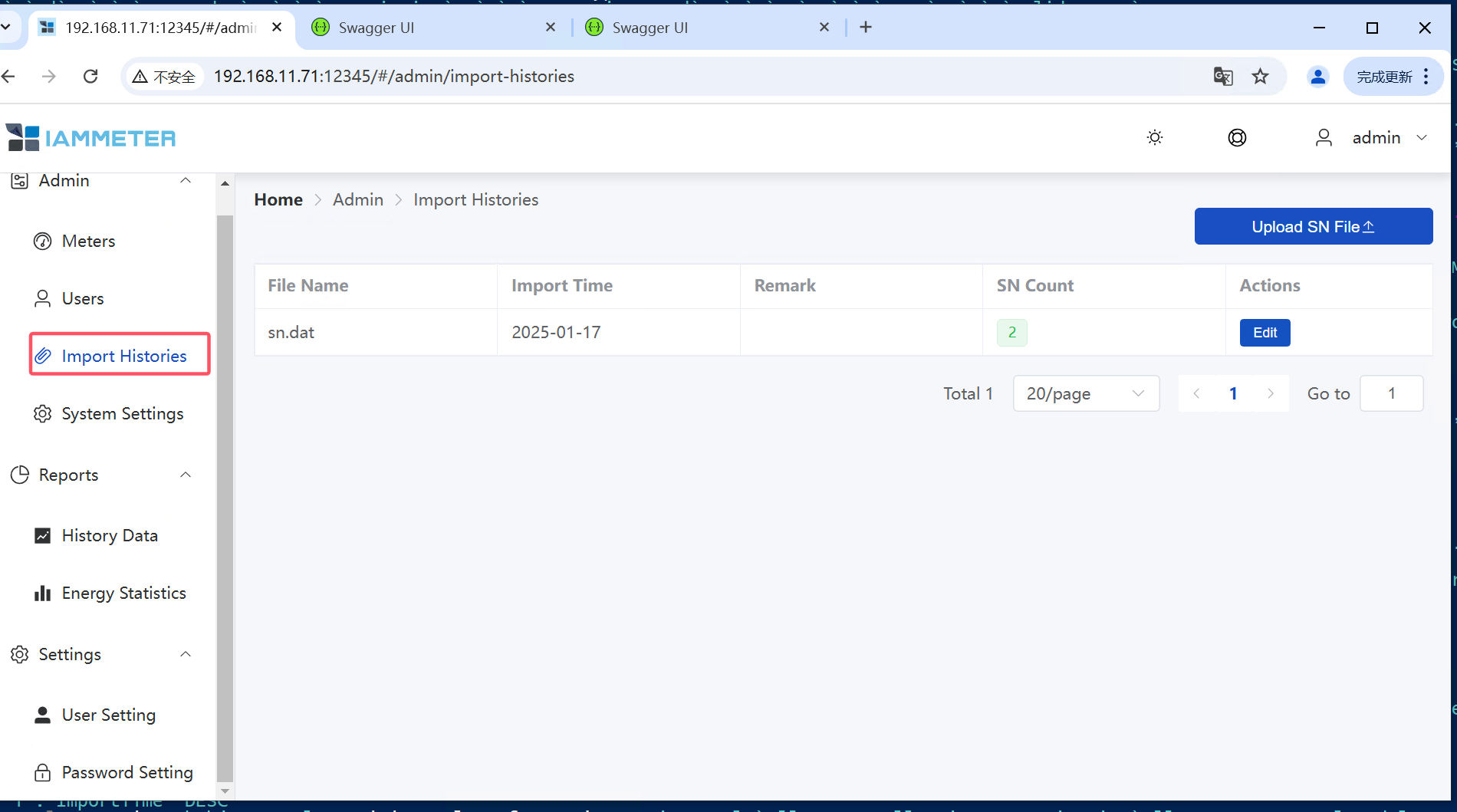
IAMMETER product SNs and supported Virtual Meter SNs can be registered in IAMMETER-Central. This differs from the custom-SN flexibility available in IAMMETER-Docker.
IAMMETER-Central is not a complete energy-consumption or solar-analysis application. Its interface is focused on middleware and device management. The customer supplies the business UI, reports, permissions and workflows required by the final application.
This separation is valuable when an enterprise already has its own management system and needs a maintained way to bring IAMMETER measurements into it.
Both approaches can deliver meter data to a customer-owned application, but the engineering boundary is different.
| Responsibility | IAMMETER-Central | Direct integration |
|---|---|---|
| Receive meter uploads | Handled by Central | Customer implements it |
| Parse IAMMETER payloads | Handled by Central | Customer implements it |
| Store meter measurements | Handled through Central's database layer | Customer designs it |
| Device registration | Central workflow | Customer designs it |
| API for ERP/EMS/BMS | Central API | Customer builds it |
| Final business UI | Customer builds it | Customer builds it |
| Protocol-level control | Less customer code required | Full customer control |
Choose Central when your main goal is to use meter data in an existing business application without owning the complete ingestion layer.
Choose direct integration when your engineering team already has the required ingestion, device-management and storage infrastructure, or when the project requires a highly specialized data path.
For the receiver-side engineering involved in direct integration, see Receive IAMMETER Energy Data on Your Own Server.
An existing platform may already provide the exact dashboard, automation or monitoring functions the project needs.
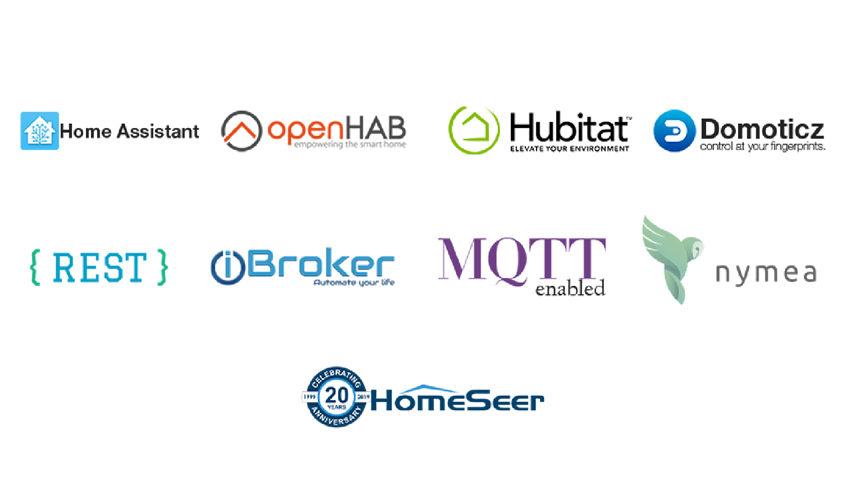
Supported integration paths include:
Each platform page is the authoritative implementation guide for that platform, while this page only helps you select the appropriate deployment path.
For a broader comparison, see Integrate IAMMETER with Self-hosted and Open-source Systems.
IAMMETER meters can send data directly to a customer receiver using supported open interfaces such as:
A custom backend gives the customer full control over:
It also makes the customer responsible for protocol handling, validation, scaling, availability, monitoring and security.
Start with:
Self-hosting means the customer controls the application host and its stored data. Whether the complete system can operate without Internet access depends on the selected architecture and network design.
Typical LAN-only paths include:
A remote server still requires an Internet connection, private WAN or VPN path. Local access and IAMMETER-Cloud use are not necessarily mutually exclusive, but coexistence depends on the selected run mode and deployment configuration.
For the distinction between no Internet, no cloud and no local network, see Use a Wi-Fi Energy Meter Without Internet or Cloud.
A successful pilot should have a path to production scale.
Before selecting a platform, confirm:
The best architecture is the one whose operational boundary matches the team that will maintain it.
| Your goal | Start here |
|---|---|
| Run a local monitoring interface quickly | Deploy IAMMETER-Docker |
| Integrate IAMMETER data with an enterprise application | Evaluate IAMMETER-Central |
| Add IAMMETER to a smart-home platform | Home Assistant Integration |
| Compare supported open-source platforms | Self-hosted Integration Overview |
| Build a custom data receiver | Receive Data on Your Own Server |
| Review all meter-side interfaces | Firmware and Open Interface Guide |
For an enterprise or partner deployment where the correct boundary between Central and direct integration is unclear, contact IAMMETER with the expected device count, database requirement and target business system.
Last updated: July 16, 2026
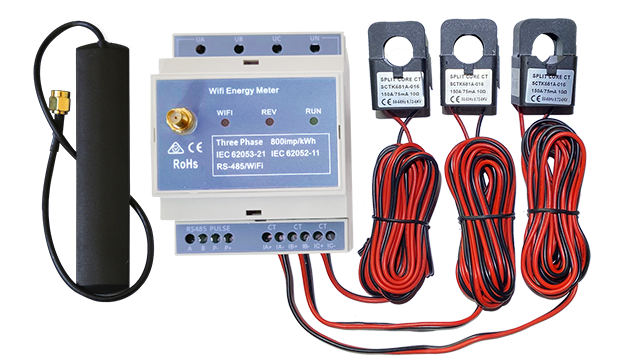
Three Phase Wi-Fi Energy Meter (WEM3080T)
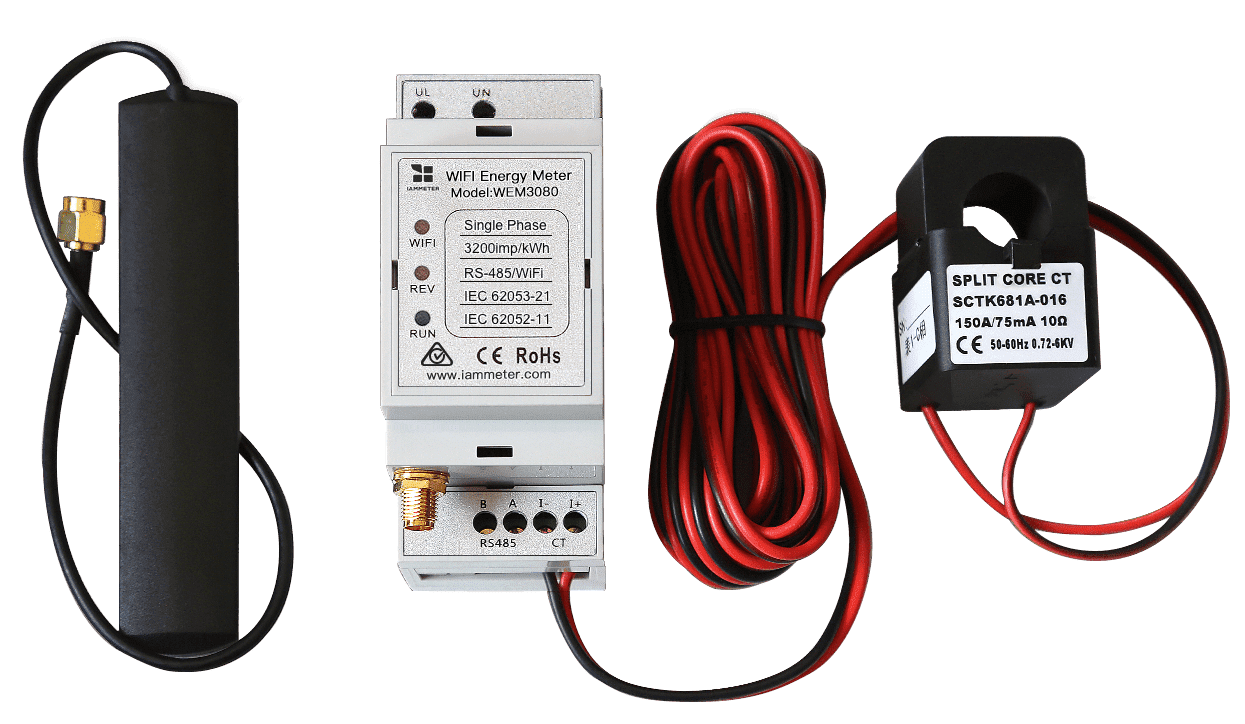
Single Phase Wi-Fi Energy Meter (WEM3080)
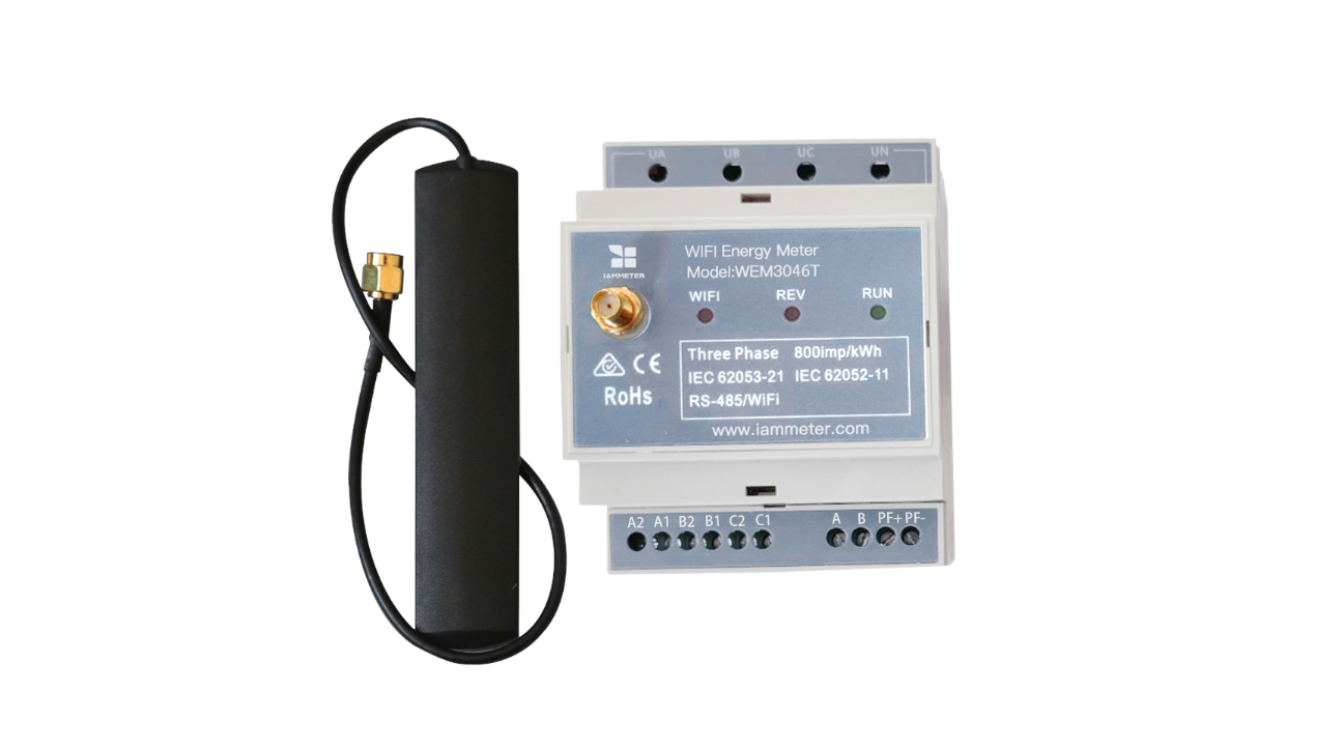
Three Phase Wi-Fi Energy Meter (WEM3046T)
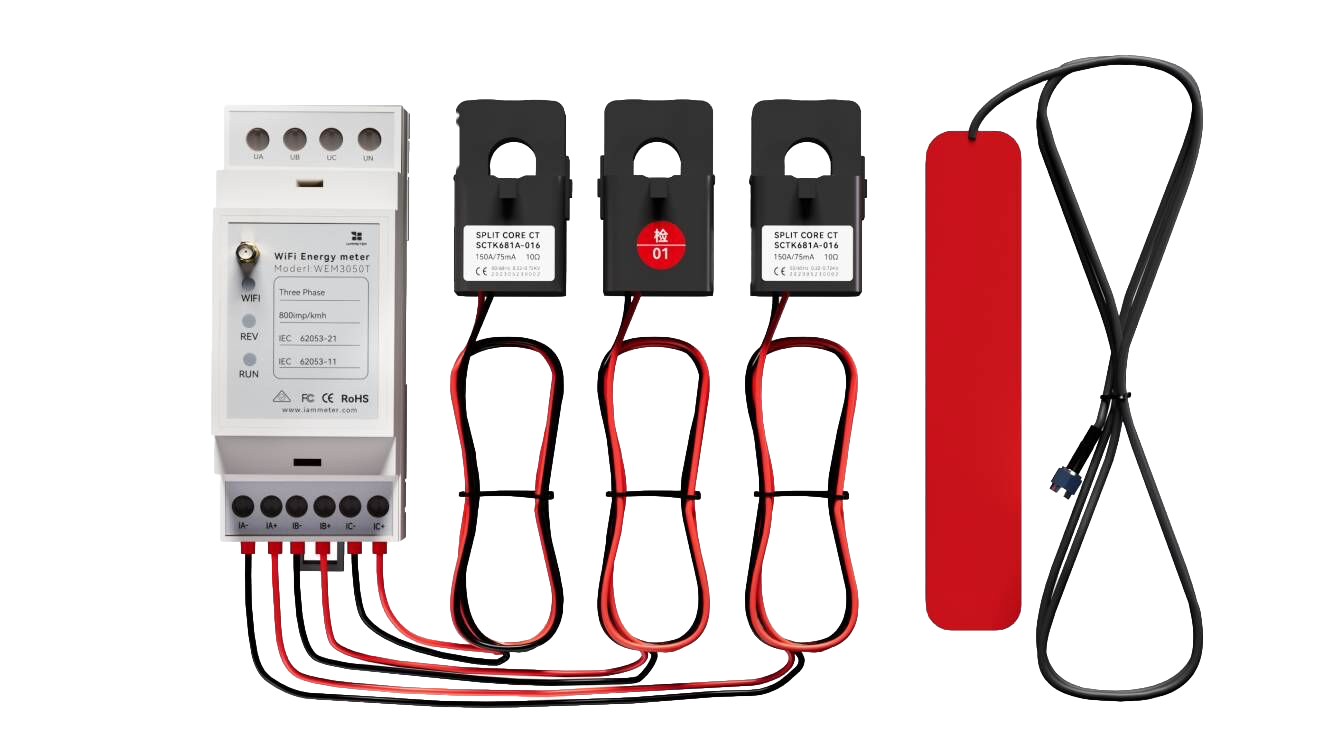
Three Phase Wi-Fi Energy Meter (WEM3050T)