


Open-Source Energy Monitoring: Home Assistant, Node-RED & More
Open-Source Energy Monitoring Platforms and Meter Integrations
An open-source energy monitoring system normally combines three layers:
- an energy meter that measures voltage, current, power and energy;
- a communication interface that transfers the measurements;
- a platform that stores, visualizes or acts on the data.
Home Assistant, Node-RED, OpenHAB, ioBroker, Zabbix and ThingsBoard can all be used in an energy monitoring project, but they solve different problems. Some focus on home automation, some on data flows, and others on device monitoring or IoT dashboards.
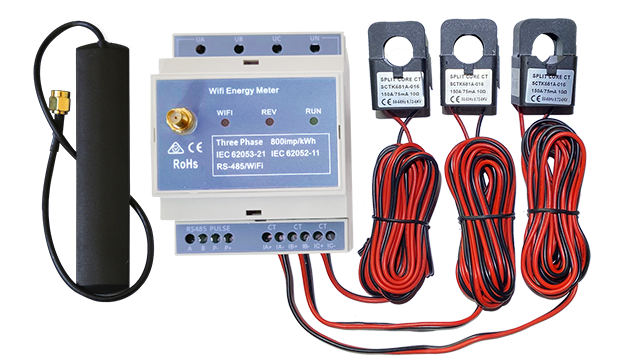
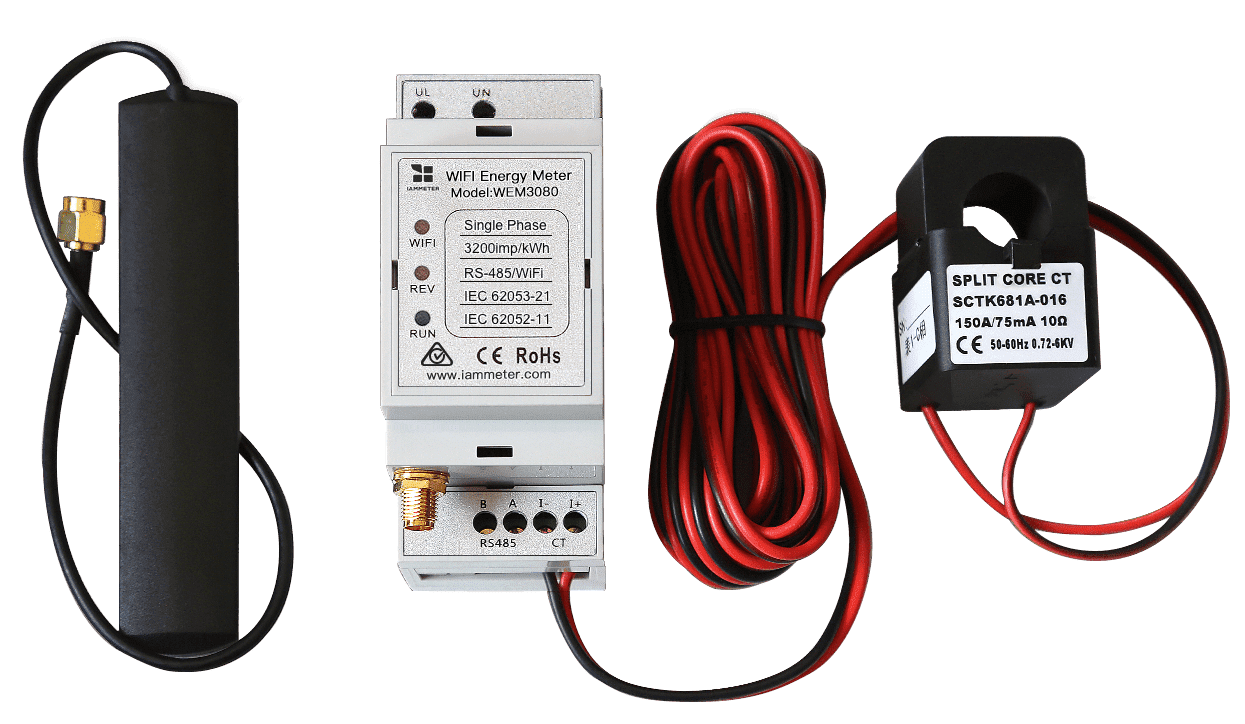
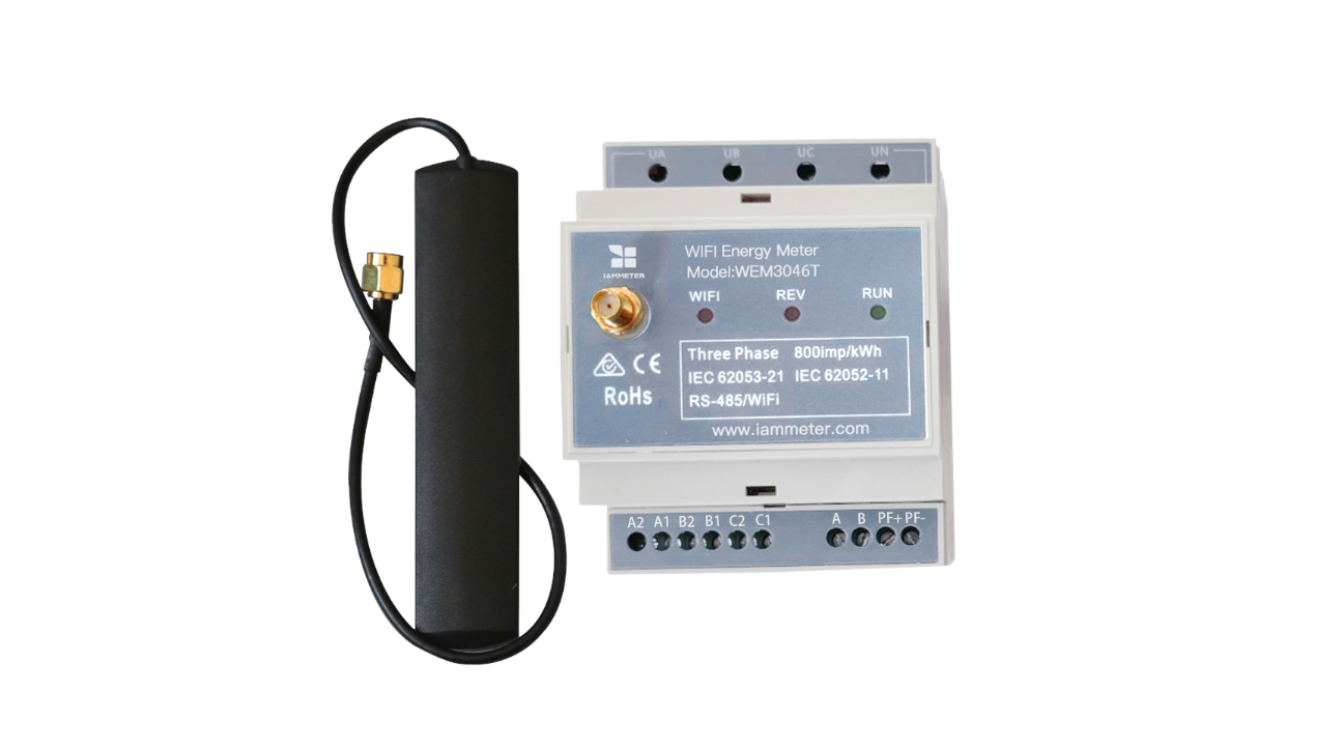
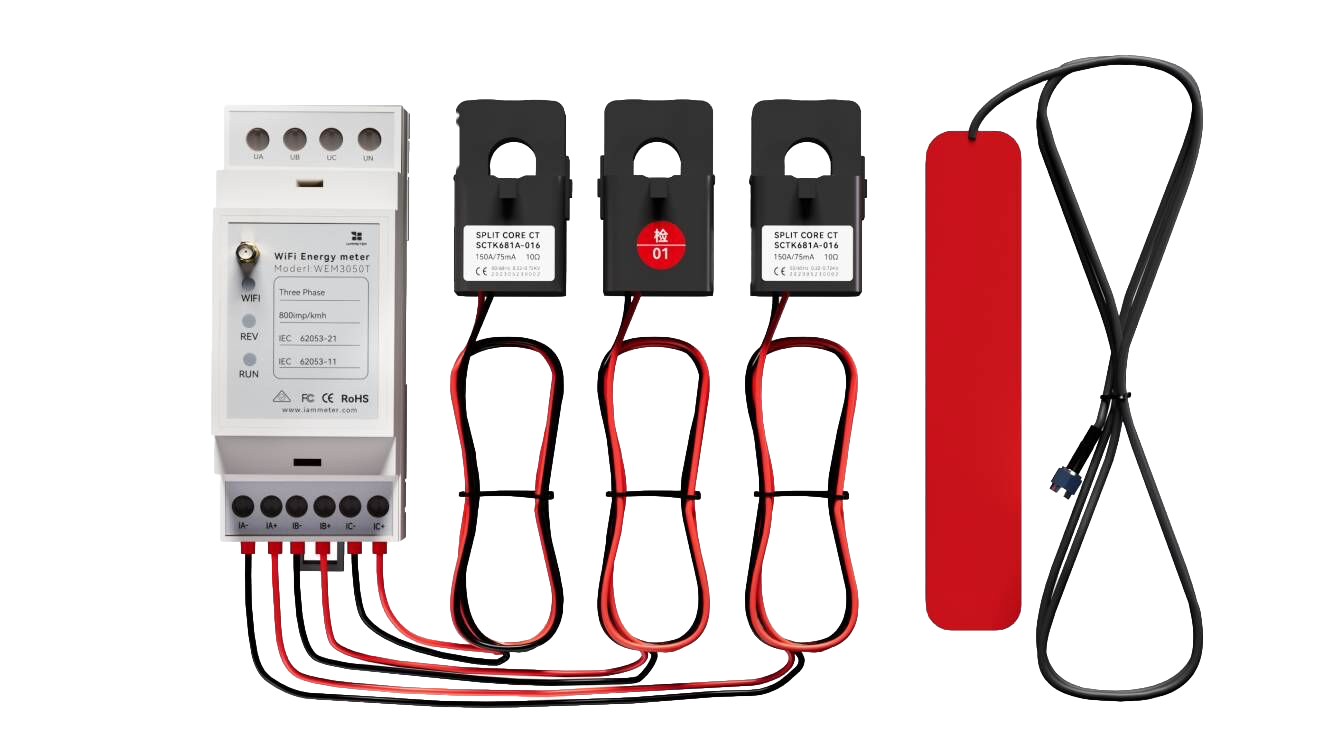
This guide compares these platforms and explains how to select an integration method such as MQTT, Modbus TCP or a local HTTP API. IAMMETER is used as a practical energy-meter example because its Wi-Fi energy meters provide these open interfaces without locking the user into one software platform.
Energy meter
     │
     │ MQTT, Modbus TCP, HTTP or local API
     ▼
Open-source platform
     │
     ├── Dashboard and history
     ├── Automation and control
     ├── Alarms and notifications
     └── Database or external analytics
1. What Should an Energy Monitoring Platform Provide?
Before selecting software, define what the project needs beyond real-time meter readings.
Typical requirements include:
- live power and cumulative energy values;
- historical storage and charts;
- import and export energy visualization;
- dashboards for single or multiple circuits;
- alerts when power, voltage or device status changes;
- automation based on solar surplus, tariffs or load conditions;
- integration with an existing smart-home or IoT system;
- operation inside the local network;
- access to raw data for custom calculations.
Not every platform provides all these functions by default. For example, a data-flow tool may be excellent for automation but require a separate database and dashboard. A home-automation platform may provide a ready energy dashboard but not the multi-tenant or enterprise workflow required by an industrial project.
2. Compare Open-Source Energy Monitoring Platforms
| Platform | Best suited to | Dashboard | Automation | Historical data | Typical meter interface |
|---|---|---|---|---|---|
| Home Assistant | Home energy, solar and smart-home users | Built-in dashboards and Energy Dashboard | Strong | Built-in recorder; external databases are also possible | HTTP integration, MQTT or Modbus TCP |
| Node-RED | Custom data flows, transformation and control logic | Flow editor; dashboards normally require additional nodes or tools | Very strong | Usually stored in an external database | MQTT, HTTP or Modbus TCP |
| OpenHAB | Open-source home automation | Available through openHAB interfaces | Strong | Supported through persistence services | HTTP, MQTT or bindings |
| ioBroker | Adapter-based home automation and visualization | Available through adapters and visualization tools | Strong | Depends on the selected adapters and storage | Adapter, HTTP or MQTT |
| Zabbix | Device status, infrastructure monitoring and alerts | Strong operational dashboards | Trigger and alert focused | Built-in monitoring history | HTTP/API collection |
| ThingsBoard | IoT devices, telemetry dashboards and rule chains | Strong IoT dashboards | Rule-engine based | Built-in telemetry storage | MQTT or HTTP |
The platform should be selected by the intended workflow, not only by whether it can display a power value.
3. Home Assistant or Node-RED?
Home Assistant and Node-RED are two common choices, but they are not interchangeable.
Choose Home Assistant when:
- the project is primarily a smart home;
- you want ready entities and an Energy Dashboard;
- energy data will be used together with lights, HVAC, EV charging or appliances;
- users prefer configuration and dashboards over writing a complete data pipeline;
- local automation and notifications are important.
Start from the IAMMETER Home Assistant integration guide for the supported IAMMETER integration methods and configuration details.
Choose Node-RED when:
- the project needs custom data transformation;
- multiple APIs, brokers or devices must be connected in one flow;
- you want to implement control logic visually;
- measurements will be written to InfluxDB, SQL, Grafana or another external service;
- the application is a custom workflow rather than a ready home-energy dashboard.
Start from the IAMMETER Node-RED integration guide.
Use both when:
Home Assistant can provide entities, dashboards and device control while Node-RED handles more complex orchestration. The correct boundary depends on which system should own the automation and historical data.
4. Choose the Energy Meter Interface
The same platform may support more than one connection method. Select the interface according to the data direction, refresh requirement and network architecture.
| Interface | Data direction | Best suited to | What the platform needs |
|---|---|---|---|
| Local HTTP API | Platform polls meter | Simple LAN integrations and periodic readings | HTTP client or native integration |
| Modbus TCP | Platform polls registers | One-second local monitoring, automation, PLC and SCADA | Modbus TCP client |
| MQTT | Meter publishes to broker | Multiple consumers, IoT systems and event-driven flows | MQTT broker and subscriber |
| HTTP/HTTPS upload | Meter sends to endpoint | Custom web backend or IoT ingestion service | HTTP receiver and JSON parser |
MQTT Energy Meter Integration
MQTT separates the meter from the consuming applications. The meter publishes to a broker, and Home Assistant, Node-RED, ThingsBoard or a custom service can subscribe to the data.
MQTT is useful when:
- more than one application needs the measurements;
- a broker already exists;
- the project uses event-driven processing;
- the meter should initiate data delivery.
See Publish IAMMETER Energy Data to Your MQTT Broker for IAMMETER configuration, topics and payload details.
Modbus Energy Meter Integration
Modbus TCP is useful when the platform must request measurements locally with a predictable register map and short polling interval.
It is a good fit for:
- real-time power automation;
- Home Assistant Modbus sensors;
- Node-RED Modbus flows;
- PLC, SCADA and industrial gateway integration.
See the IAMMETER Modbus TCP energy meter guide.
Local HTTP API Integration
A local API is often the simplest option when a platform or script can request JSON directly from the meter's LAN address. It avoids a broker but normally couples the application more directly to the meter.
See the IAMMETER local API and firmware interface guide.
5. Platform-specific Integration Paths
Home Assistant Energy Monitoring
Home Assistant is suitable for users who want energy data to participate in the wider smart-home model. IAMMETER has a dedicated Home Assistant documentation hub covering the available integration methods, entities and Energy Dashboard considerations.
This page does not duplicate the Home Assistant configuration matrix; the dedicated guide remains the authoritative source for those configuration details.
Node-RED Energy Monitoring
Node-RED can receive data through MQTT, request a local API or use Modbus nodes. Flows can normalize measurements, trigger automations and send the data to a time-series database or dashboard.
OpenHAB and ioBroker
OpenHAB and ioBroker are suitable when the user already operates one of these home-automation ecosystems. Adding the energy meter to the existing platform is usually simpler than deploying a second automation system.
Zabbix
Zabbix is useful when the primary requirement is operational monitoring: current values, device availability, history, thresholds and alerts. It is not a dedicated electricity-cost or solar-analysis product, but it can bring meter data into an existing infrastructure-monitoring workflow.
ThingsBoard
ThingsBoard is suitable for IoT telemetry, device dashboards and rule chains. MQTT and HTTP ingestion make it useful for projects that combine energy meters with other field devices.
6. Where IAMMETER Fits
IAMMETER Wi-Fi energy meters can act as open measurement sources rather than being tied to a single monitoring application.
Current IAMMETER meter families cover single-phase, split-phase and three-phase systems. The number of measurement channels and sensors differs by model, while the open integration architecture allows the measurements to be used by local and third-party software.
Typical IAMMETER integration interfaces include:
- local HTTP API;
- Modbus TCP;
- MQTT and MQTTS;
- HTTP and HTTPS upload;
- TCP and TLS upload.
The firmware and open-interface guide is the authoritative reference for current meter-side capabilities, firmware configuration and legacy interfaces.
7. When an Open-Source Platform Is Not Enough
An open-source automation or IoT platform is not always the best boundary for an energy monitoring project.
Consider another architecture when:
- the user wants a ready local energy-monitoring interface without assembling multiple components;
- an enterprise needs middleware APIs for its ERP, EMS or BMS;
- the customer already has a backend and only needs a meter-data receiver;
- the project requires a customer-controlled database and device-management workflow.
IAMMETER provides three additional paths:
- IAMMETER-Docker for a ready self-hosted monitoring interface;
- IAMMETER-Central for enterprise data middleware;
- direct integration for a completely customer-owned backend.
Compare these options at Self-Hosted Energy Monitoring with IAMMETER.
8. Recommendation by Use Case
| Requirement | Recommended starting point |
|---|---|
| Home energy dashboard and smart-home automation | Home Assistant |
| Custom data flow, transformation and control | Node-RED |
| Existing OpenHAB or ioBroker installation | Integrate into the existing platform |
| Infrastructure monitoring and alarms | Zabbix |
| IoT telemetry dashboards and rule chains | ThingsBoard |
| Ready local electricity or solar monitoring | IAMMETER-Docker |
| Middleware for an enterprise ERP, EMS or BMS | IAMMETER-Central |
| Completely custom ingestion and database | Direct server integration |
For direct server development, continue with Receive IAMMETER Energy Data on Your Own Server. For a complete architecture map, see Develop Your Own Energy Monitoring System.
9. Summary
The best open-source energy monitoring platform depends on what happens after the meter produces data.
- Choose Home Assistant for smart-home energy dashboards and automation.
- Choose Node-RED for flexible data flows and control logic.
- Use OpenHAB or ioBroker when they are already the home's automation platform.
- Choose Zabbix for operational monitoring and alerts.
- Choose ThingsBoard for IoT telemetry and rule-engine workflows.
- Use MQTT when multiple applications should consume meter data.
- Use Modbus TCP for fast local polling and industrial-style integration.
IAMMETER supplies the open meter interfaces; the selected platform determines how the measurements are stored, visualized and used.
Last updated: July 16, 2026