


IAMMETER energy meters can be integrated with Home Assistant through local HTTP, Modbus TCP, or MQTT. The best method depends on whether you prefer an official integration, UI-based setup, fast local updates, MQTT auto-discovery, or continued use of IAMMETER Cloud.
This guide compares the available methods and directs you to the appropriate setup guide. It covers all current IAMMETER energy meters. The discontinued WEM3162 is not included.
| Method | Meter-side setup | Home Assistant setup | Typical update interval | Fully local | IAMMETER Cloud at the same time | Auto-discovery | Best for |
|---|---|---|---|---|---|---|---|
| Home Assistant Core | Keep the meter accessible on the LAN | Add the built-in IAMMETER integration in YAML | 30 seconds | Yes | Yes | No | Users who prefer an official built-in integration |
| Home Assistant Modbus | Make Modbus TCP available on the LAN | Configure the built-in Modbus integration and sensors in YAML | Configurable; commonly 1–5 seconds | Yes | Yes | No | Fast monitoring and real-time automations |
| MQTT Manual | Configure the MQTT broker in the meter WebUI | Enable the MQTT integration and define sensors in YAML | Configurable; latest firmware supports down to 2 seconds | Yes, with a local broker | No | No | Users who need custom topics and sensors |
| HACS HTTP | Keep the meter accessible on the LAN | Install IAMMETER HTTP through HACS and configure it in the UI | 60 seconds | Yes | Yes | SSDP-assisted | UI setup without YAML |
| HACS Modbus | Make Modbus TCP available on the LAN | Install IAMMETER Modbus through HACS and configure it in the UI | Configurable; default 3 seconds | Yes | Yes | SSDP-assisted | Fast local updates with UI configuration |
| MQTT Discovery | Configure the broker and enable HA MQTT Discovery in the meter WebUI | Enable the MQTT integration; sensors are created automatically | Configurable; latest firmware supports down to 2 seconds | Yes, with a local broker | No | Yes | The simplest MQTT setup |
Quick recommendations:
MQTT Manual and MQTT Discovery change the meter's upload mode to MQTT. In these modes, the meter does not simultaneously upload measurements to IAMMETER Cloud. Local HTTP and Modbus TCP integrations can continue to work while the meter uploads to IAMMETER Cloud.
The official IAMMETER integration is included in Home Assistant and reads the meter's local HTTP API. It does not require HACS or an internet connection between Home Assistant and the meter.
Main characteristics:
configuration.yaml;Use this method when stability and official Home Assistant support matter more than fast refresh rates.
Home Assistant's built-in Modbus integration reads the meter's local Modbus TCP registers. It is suitable for power-based automations, solar-surplus control, and other applications that need faster updates.
Main characteristics:
scan_interval, commonly 1–5 seconds for real-time automation;Use a longer polling interval when second-level data is not required. Avoid running multiple high-frequency Modbus clients against the same meter.
The IAMMETER HTTP custom integration provides a UI-based alternative to the official YAML integration. It reads /monitorjson over the local network and creates the corresponding Home Assistant entities.
Main characteristics:
Use this method when you prefer UI configuration and a one-minute refresh interval is sufficient.
The IAMMETER Modbus custom integration combines local Modbus TCP polling with Home Assistant UI configuration. It is the most convenient option for users who need faster updates but do not want to define every register in YAML.
Main characteristics:
installed through HACS and configured in the UI;
configurable scan interval, with a default of 3 seconds in the updated integration;
local operation and compatibility with IAMMETER Cloud;
creates power and imported/exported energy entities with the appropriate Home Assistant metadata;
supports all current IAMMETER meters, with different entity counts for single-phase and three-phase models.
In Manual MQTT mode, the meter publishes measurement data to your MQTT broker and you define the corresponding sensors in Home Assistant.
Meter-side configuration and Home Assistant configuration are separate:
This method is useful when several applications need to subscribe to the same measurements, or when you need custom topics and entity definitions.
MQTT Discovery is intended for users who want the least manual configuration. After you configure the broker and enable HA MQTT Discovery in the meter WebUI, Home Assistant automatically creates the IAMMETER device and its entities.
The generated imported and exported energy entities include:
unit_of_measurement: kWh;device_class: energy;state_class: total_increasing.These attributes provide the metadata required for use in the Home Assistant Energy Dashboard.
MQTT Discovery is supported by all current IAMMETER energy meters. Single-phase and three-phase models create different numbers of entities according to their measurement channels.
All current IAMMETER energy meters support the integration methods described above. The main difference in Home Assistant is the number of phases or measurement channels and therefore the number of entities created.
| Model | Typical application | Home Assistant support | Important note |
|---|---|---|---|
| WEM3080 | Single-phase energy monitoring | All methods | Single-phase entities |
| WEM2067 | Single-phase home solar monitoring | All methods | Two measurement channels |
| WEM3080T | Three-phase energy monitoring | All methods | Three-phase entities |
| WEM3050T | Three-phase or split-phase home monitoring | All methods | Three measurement channels |
| WEM3080TD | Three-phase/three-wire and special wiring applications | All methods | Entity interpretation depends on wiring mode |
| WEM3046T / WEM3046TE | Three-phase metering with external 5 A CTs | All methods | Apply the external CT ratio to obtain primary-side values |
WEM3046T and WEM3046TE measure the 5 A secondary output of external current transformers. Applying the CT ratio is a requirement of this metering arrangement, not a Home Assistant compatibility limitation.
Home Assistant's Energy Dashboard needs cumulative imported and exported energy entities in kWh, normally with:
device_class: energy;state_class: total_increasing.The current Core, HACS HTTP, HACS Modbus, and MQTT Discovery integrations provide the required metadata for their imported/exported energy entities. With manual Modbus or Manual MQTT configuration, you must add the correct unit, device class, and state class yourself.
Do not use an instantaneous power entity in watts as a substitute for a cumulative energy entity in kWh.
The methods above bring IAMMETER meter data into Home Assistant. IAMMETER-Link works in the opposite direction: it uploads energy entities that already exist in Home Assistant to an IAMMETER Virtual Meter and IAMMETER Cloud.
This is useful when an inverter or third-party meter already has a Home Assistant integration, but you also want IAMMETER Cloud dashboards, reports, or multi-site access.
IAMMETER-Link currently provides:
HACS and UI-based configuration;
single-phase and three-phase virtual-meter mapping;
a 300-second upload interval with IAMMETER Basic;
a 60-second upload interval with IAMMETER Pro.
After the meter is integrated, its real-time power and cumulative energy data can be used for:
If you have questions about firmware, entity configuration, Energy Dashboard setup, or choosing an integration method, visit the IAMMETER community forum.
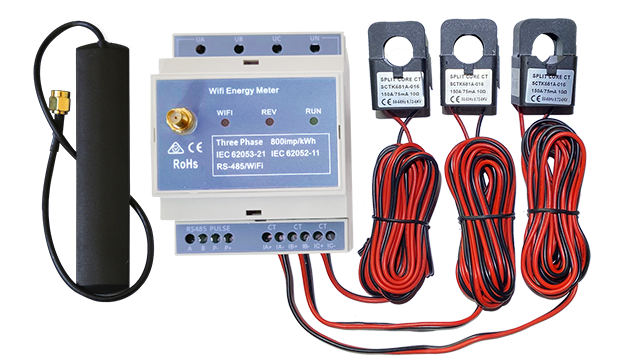
Three Phase Wi-Fi Energy Meter (WEM3080T)
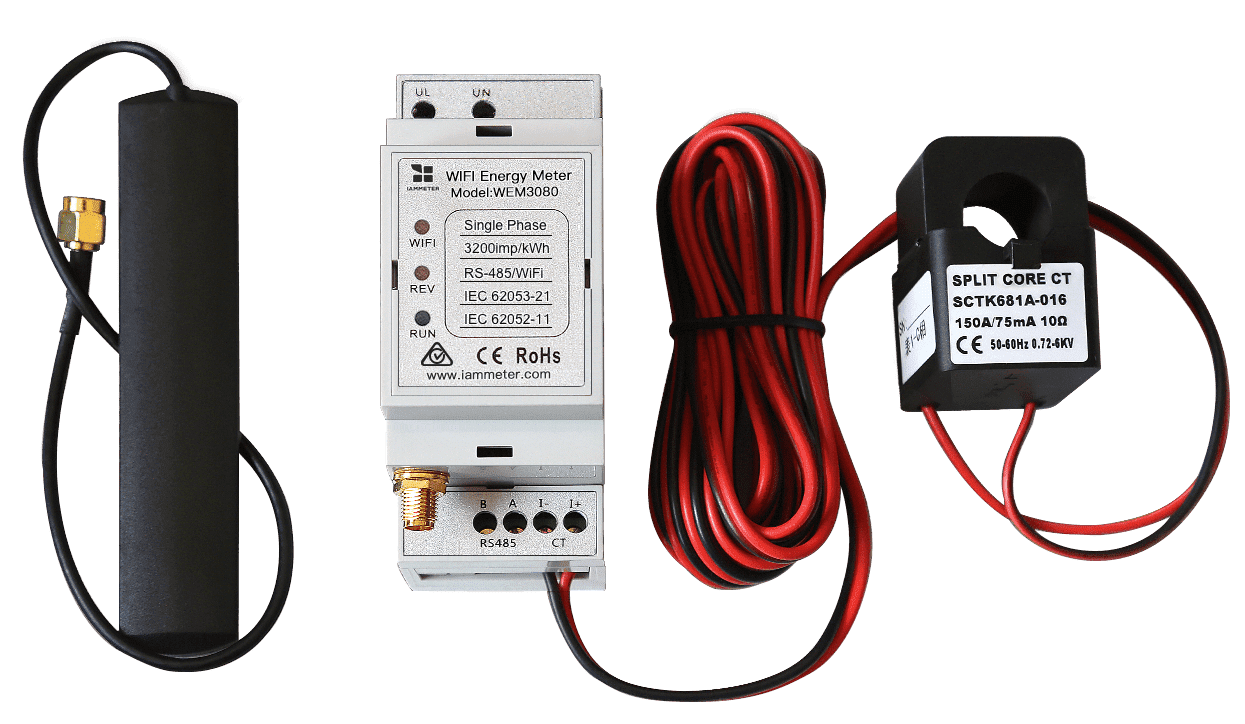
Single Phase Wi-Fi Energy Meter (WEM3080)
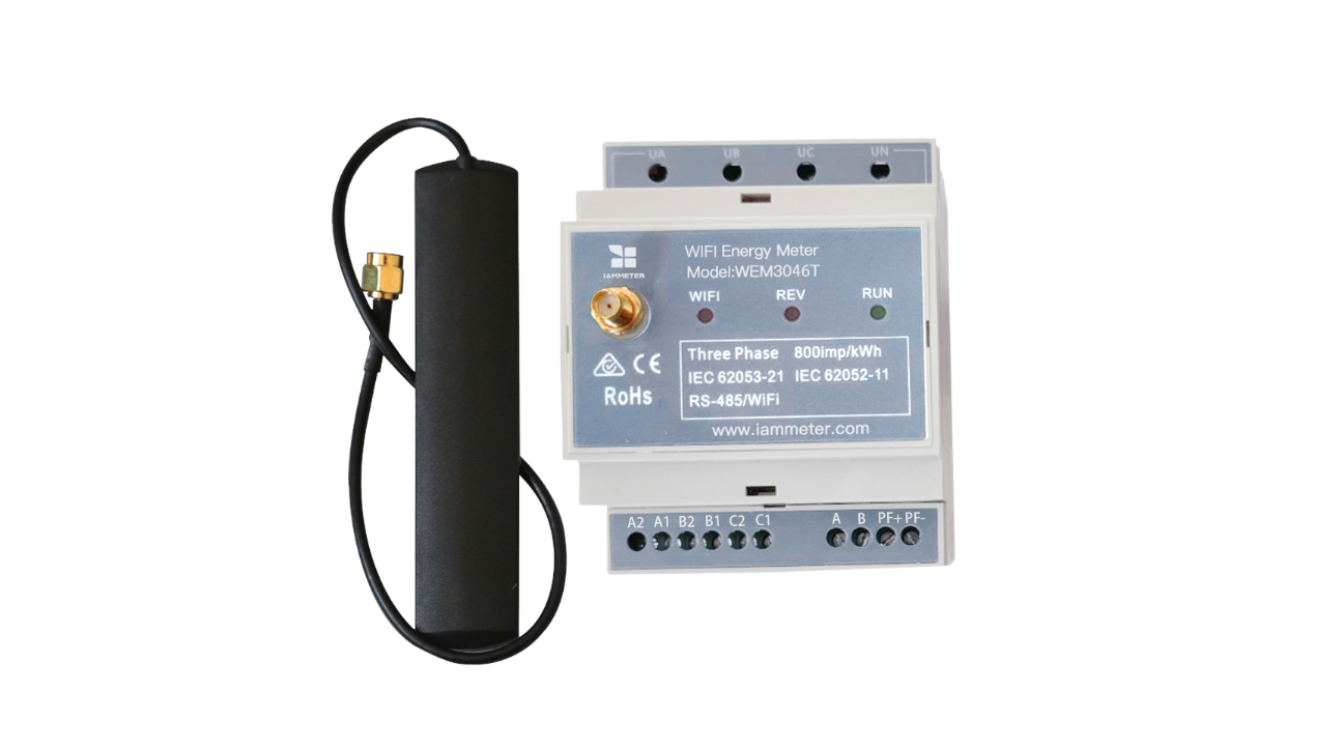
Three Phase Wi-Fi Energy Meter (WEM3046T)
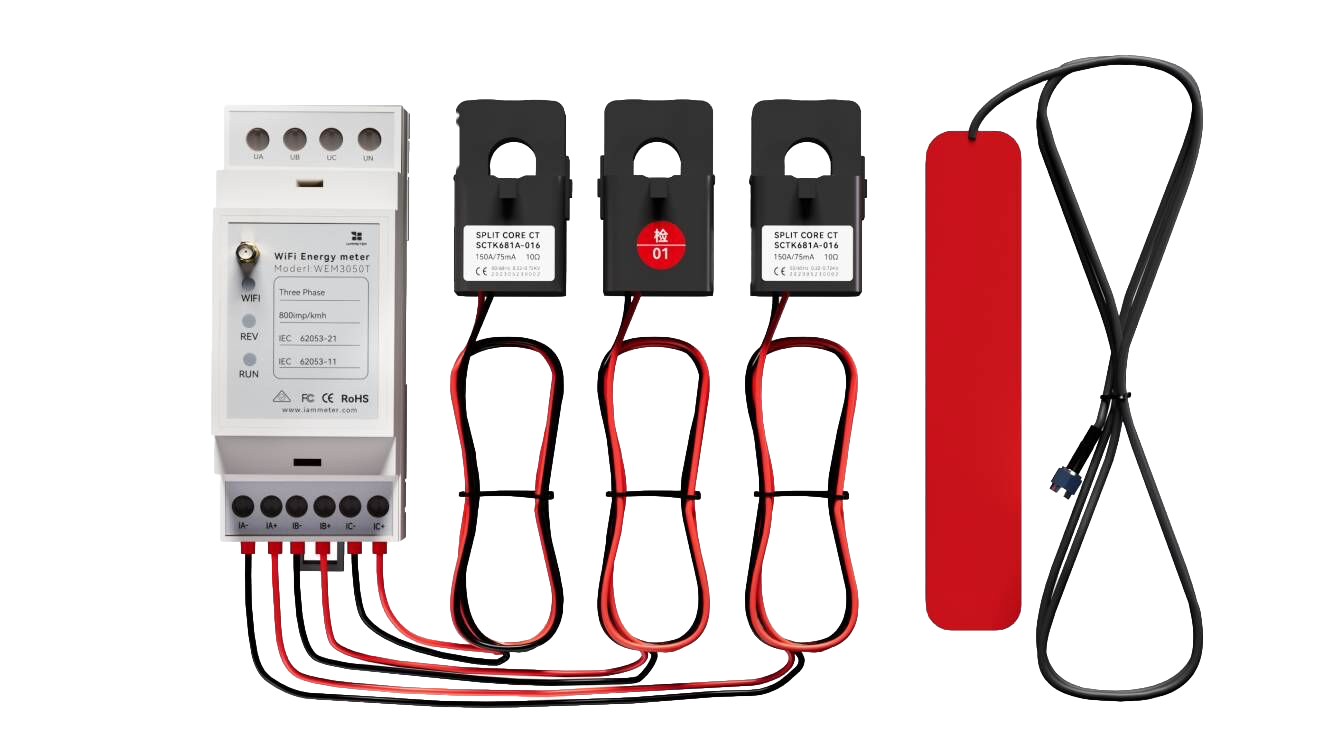
Three Phase Wi-Fi Energy Meter (WEM3050T)