


This section provides additional guides and practical resources to help you get the most out of IAMMETER products and services.
Whether you want to monitor energy consumption locally without relying on the cloud, measure high currents using external current transformers (CTs), upgrade your meter's firmware, or purchase products from the IAMMETER online store, you can find the relevant instructions here.
IAMMETER Wi-Fi energy meters support local monitoring over a Local Area Network (LAN), allowing you to access energy data without an internet connection or cloud service.
You can use local monitoring software to view real-time measurements and save historical energy data on your computer. This is particularly useful for users who prefer local data storage or need monitoring capabilities in environments with limited internet access.
Key topics:
Learn More: Local Monitoring via LAN
For applications requiring current measurements beyond the standard CT range, IAMMETER provides a double CT solution using primary and secondary current transformers.
This method enables high-current monitoring while working with compatible IAMMETER Wi-Fi energy meters. The guide explains the measurement principle, CT wiring arrangement, and configuration of the CT ratio in IAMMETER.
Key topics:
Learn More: Double CT Solution
Firmware upgrades can introduce new functionality and improvements to IAMMETER Wi-Fi energy meters.
This guide explains how to access the meter's configuration interface, upload the appropriate firmware file, and verify the installed firmware version.
Key topics:
The IAMMETER online store allows customers to purchase energy meters and related products.
This guide walks you through the ordering process, including account registration, product selection, checkout, payment, order tracking, and reward points.
Key topics:
Learn More: Order on IAMMETER Store
If you need help with device configuration, firmware upgrades, CT selection, or other technical questions, please contact the IAMMETER support team.
Email: support@devicebit.com
For more information, visit the IAMMETER Documentation Center.
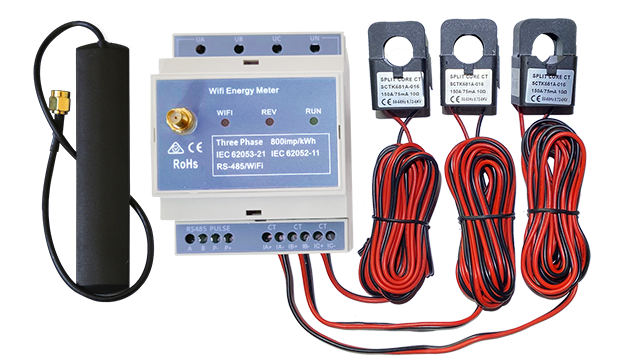
Three Phase Wi-Fi Energy Meter (WEM3080T)
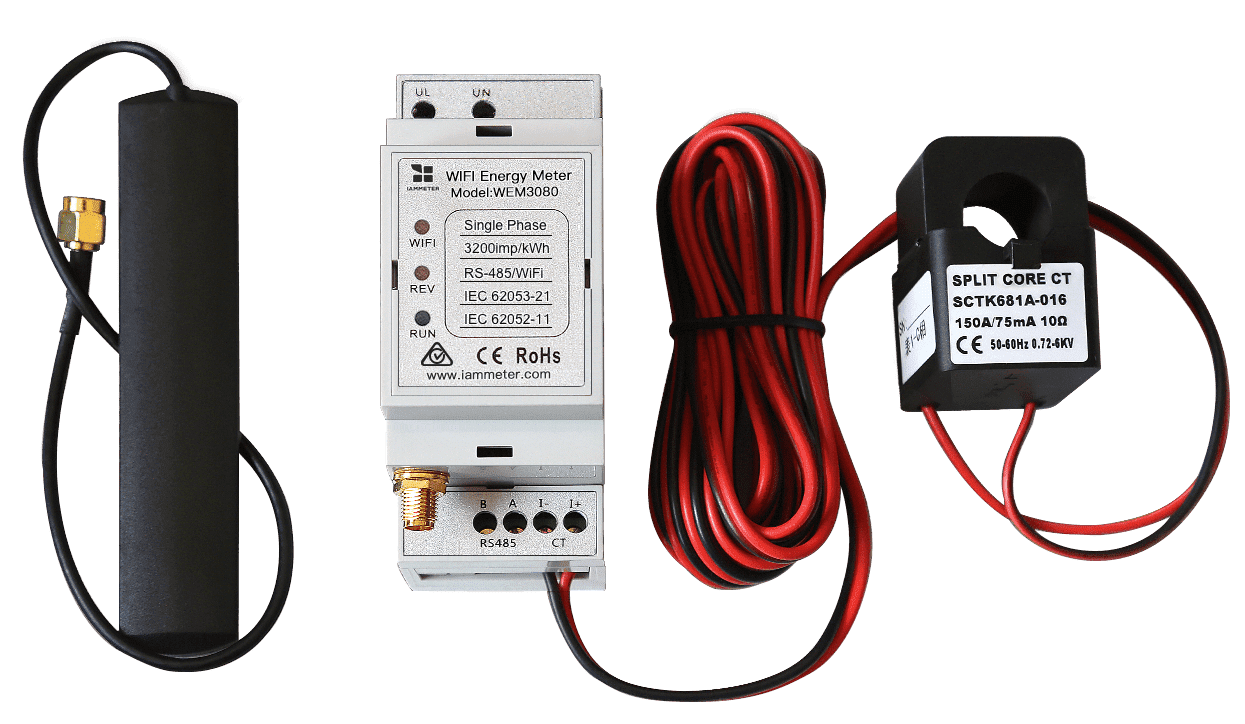
Single Phase Wi-Fi Energy Meter (WEM3080)
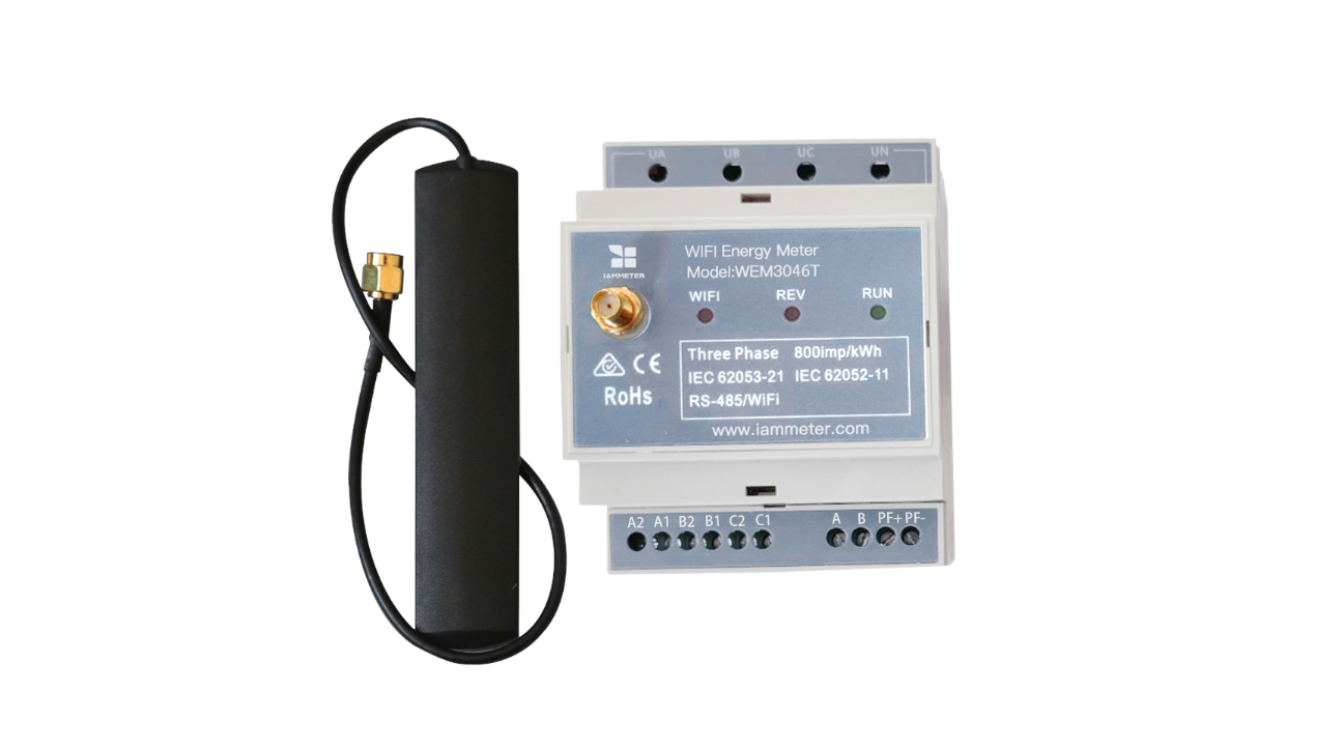
Three Phase Wi-Fi Energy Meter (WEM3046T)
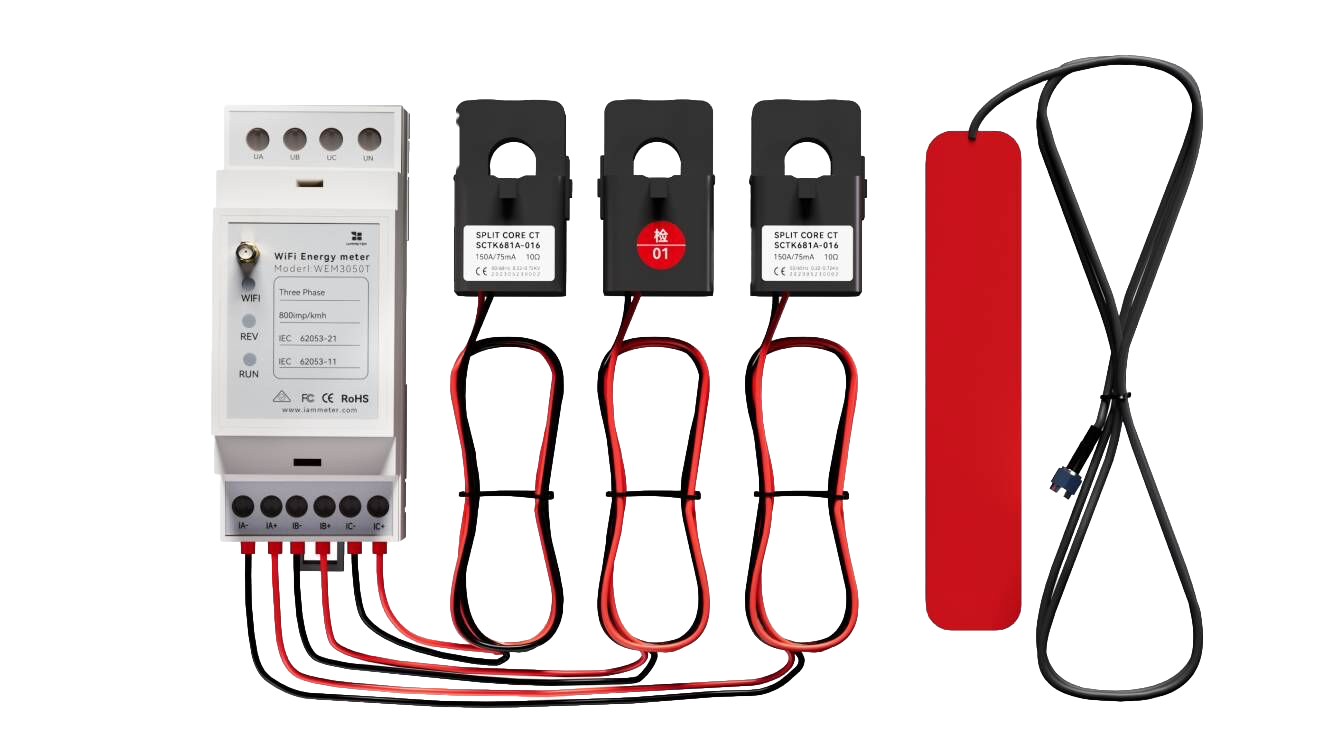
Three Phase Wi-Fi Energy Meter (WEM3050T)