


Which Home Assistant Energy Meter Integration Should You Use?
Which Home Assistant Energy Meter Integration Should You Use?
There is no single best way to connect an energy meter to Home Assistant. The right integration depends on four practical questions:
- Do you want to install HACS?
- Are you comfortable editing YAML?
- How quickly must power readings update?
- Must the meter continue uploading to its cloud platform?
IAMMETER energy meters support local HTTP, Modbus TCP, Manual MQTT, and MQTT Discovery. Home Assistant users can choose an official Core integration, Home Assistant's built-in Modbus integration, or UI-based custom integrations from HACS.
This article helps you choose. For the complete technical matrix and links to every setup guide, see the Home Assistant energy meter integration overview.
Quick answer
Choose:
- Home Assistant Core when you want an official built-in integration, do not want HACS, and a 30-second refresh is sufficient.
- HACS HTTP when you want UI configuration and do not need fast updates.
- HACS Modbus when you want UI configuration with fast local readings for dashboards and automations.
- Home Assistant built-in Modbus when you want no HACS and are comfortable defining registers and sensors in YAML.
- MQTT Discovery when you already have an MQTT broker and want the meter and entities created automatically.
- Manual MQTT when you want complete control over MQTT topics, JSON templates, names, and entity metadata.
If the meter must continue uploading directly to IAMMETER Cloud, choose an HTTP or Modbus method rather than MQTT.
Compare the six integration methods
| Method | HA configuration | Typical update interval | Fully local | Works with IAMMETER Cloud simultaneously | Auto-discovery | Best fit |
|---|---|---|---|---|---|---|
| Home Assistant Core | YAML | 30 seconds | Yes | Yes | No | Official built-in integration |
| HACS HTTP | UI | 60 seconds | Yes | Yes | SSDP-assisted | Simple UI setup |
| HACS Modbus | UI | Configurable; default 3 seconds | Yes | Yes | SSDP-assisted | Fast data without register YAML |
| Built-in Modbus | YAML | Configurable; commonly 1–5 seconds | Yes | Yes | No | Custom registers and polling |
| MQTT Discovery | Meter WebUI + HA MQTT Integration | Configurable; latest firmware supports down to 2 seconds | Yes with a local broker | No | Yes | Automatic MQTT entities |
| Manual MQTT | Meter WebUI + HA MQTT Integration + sensor YAML | Configurable; latest firmware supports down to 2 seconds | Yes with a local broker | No | No | Custom MQTT sensors |
All six methods can provide data for Home Assistant dashboards and automations. The differences are setup, update speed, maintenance, and whether the meter's upload mode remains available for IAMMETER Cloud.
Decision 1: Do you want to install HACS?
No HACS
Choose one of the Home Assistant built-in options:
- Core IAMMETER integration for straightforward HTTP monitoring;
- built-in Modbus for faster readings and custom register access;
- standard MQTT Integration with Manual MQTT YAML if you already use a broker.
The Core IAMMETER integration is configured in YAML. It is not currently a Config Flow that you add by searching for IAMMETER in Settings → Devices & services.
Use the official Home Assistant IAMMETER integration when the official built-in component and minimal maintenance are more important than rapid updates.
Use the Home Assistant Modbus TCP energy meter guide when you need second-level local power data without installing HACS.
HACS is acceptable
HACS provides two IAMMETER custom integrations:
- HACS HTTP: UI configuration and a 60-second polling interval;
- HACS Modbus: UI configuration, faster local polling, and a configurable scan interval with a default of 3 seconds.
For most users who want a fast local energy meter without writing register YAML, HACS Modbus is the strongest general-purpose choice.
Choose HACS HTTP only when UI configuration matters and one-minute updates are sufficient.
Decision 2: How fast must the energy data update?
General energy monitoring
For daily consumption, imported/exported energy, and the Energy Dashboard, a 30- or 60-second interval is often adequate. Choose:
- Home Assistant Core;
- HACS HTTP.
Cumulative kWh changes slowly compared with instantaneous power. Very fast polling adds recorder events without necessarily improving energy reports.
Live dashboards and automations
For load control, solar-surplus decisions, or a responsive power dashboard, choose:
- HACS Modbus;
- built-in Home Assistant Modbus;
- MQTT Discovery;
- Manual MQTT.
A 2–5 second interval is a practical starting point. A one-second setting is not automatically better: network latency, register count, broker traffic, recorder load, and frontend refresh behavior also affect the visible result.
For a concrete automation example, see control a relay in Home Assistant using real-time power.
Decision 3: Must IAMMETER Cloud continue receiving data?
Yes
Choose HTTP or Modbus:
- Home Assistant Core;
- HACS HTTP;
- HACS Modbus;
- built-in Home Assistant Modbus.
These methods read data locally without changing the meter's upload Run Mode, so the meter can continue sending data to IAMMETER Cloud.
This combination is useful when you want:
- local Home Assistant automations;
- remote Cloud access;
- long-term electricity-cost and solar reports;
- a second platform for checking data history.
No, local MQTT is the priority
Choose MQTT Discovery or Manual MQTT. When the meter's Run Mode is changed to MQTT, it publishes to your broker rather than uploading directly to IAMMETER Cloud.
Do not choose MQTT and assume the meter will send the same measurements to both destinations.
Decision 4: Do you already use an MQTT broker?
Yes, and you want the simplest HA setup
Choose MQTT Discovery.
After you configure the broker and enable HA MQTT Discovery in the meter WebUI, Home Assistant automatically creates the device and entities. Current Import/Export entities include the kWh, energy device class, and total-increasing state class required by the Energy Dashboard.
Yes, and you want complete control
Choose Manual MQTT.
Manual MQTT is appropriate when you want:
- custom names and unique IDs;
- custom JSON templates;
- only selected measurements;
- explicit control of units and Home Assistant metadata;
- several non-Home Assistant subscribers on the same broker.
No MQTT broker
Do not deploy a broker only because MQTT sounds faster. HACS Modbus provides fast UI-configured local readings without adding MQTT infrastructure. Core or HACS HTTP is even simpler when update speed is not important.
Decision 5: UI configuration or YAML?
Choose a UI-oriented method when several people maintain the Home Assistant installation or when you want to avoid register/template errors:
- HACS HTTP;
- HACS Modbus;
- MQTT Discovery after the broker is connected.
Choose YAML when you need explicit and reviewable configuration:
- Core IAMMETER integration;
- built-in Modbus;
- Manual MQTT.
YAML provides flexibility, but it also makes you responsible for register types, JSON array positions, scaling, units, device classes, state classes, and stable unique IDs.
Which method is best for the Energy Dashboard?
The Energy Dashboard needs cumulative imported and exported energy in kWh with:
device_class: energy
state_class: total_increasing
Current Core, HACS HTTP, HACS Modbus, and MQTT Discovery implementations provide appropriate metadata for their energy entities.
With built-in Modbus or Manual MQTT, you configure the metadata yourself. Both methods work correctly when the cumulative energy sensors are defined properly.
Do not use instantaneous active power in watts as an Energy Dashboard energy source.
Recommendations by user scenario
| User scenario | Recommended method | Why |
|---|---|---|
| New HA user, no HACS | Core | Official and predictable |
| New HA user, UI preferred | HACS HTTP | Simple configuration |
| Fast local monitoring, UI preferred | HACS Modbus | Default 3-second local polling |
| Advanced user, custom registers | Built-in Modbus | Full YAML control |
| Existing MQTT broker, minimum setup | MQTT Discovery | Automatic entities |
| Existing MQTT broker, custom sensors | Manual MQTT | Full topic/template control |
| HA plus IAMMETER Cloud | HTTP or Modbus | Cloud upload continues |
| Real-time power automation | HACS or built-in Modbus | Fast local feedback |
Supported energy meters
All current IAMMETER energy meters support the six methods in this comparison. The main difference in Home Assistant is the number of measurement channels and entities.
| Model | Typical application | Product page |
|---|---|---|
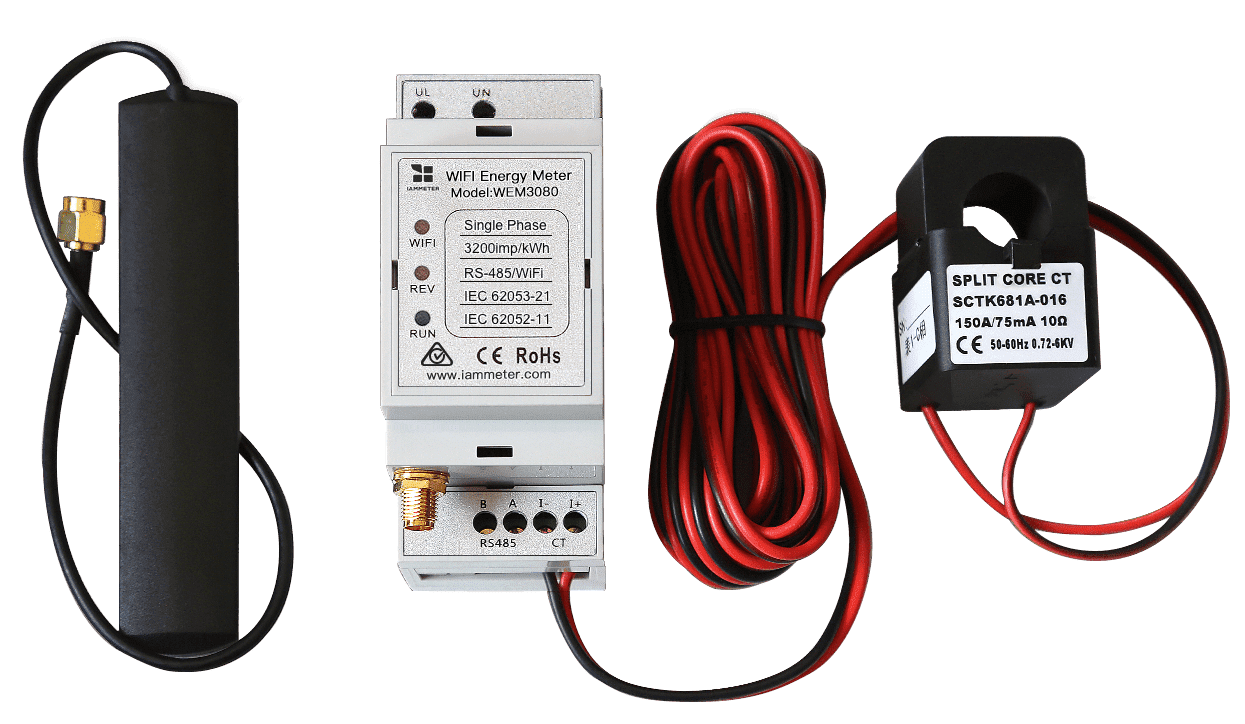
| WEM3080 | Single-phase energy monitoring | WEM3080 |
| WEM2067 | Dual-channel single-phase/home solar | WEM2067 |
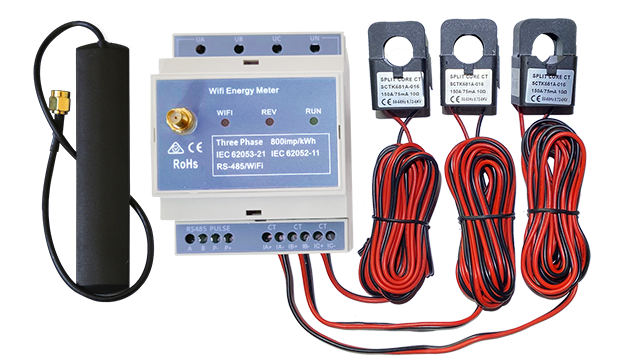
| WEM3080T | Three-phase monitoring | WEM3080T |
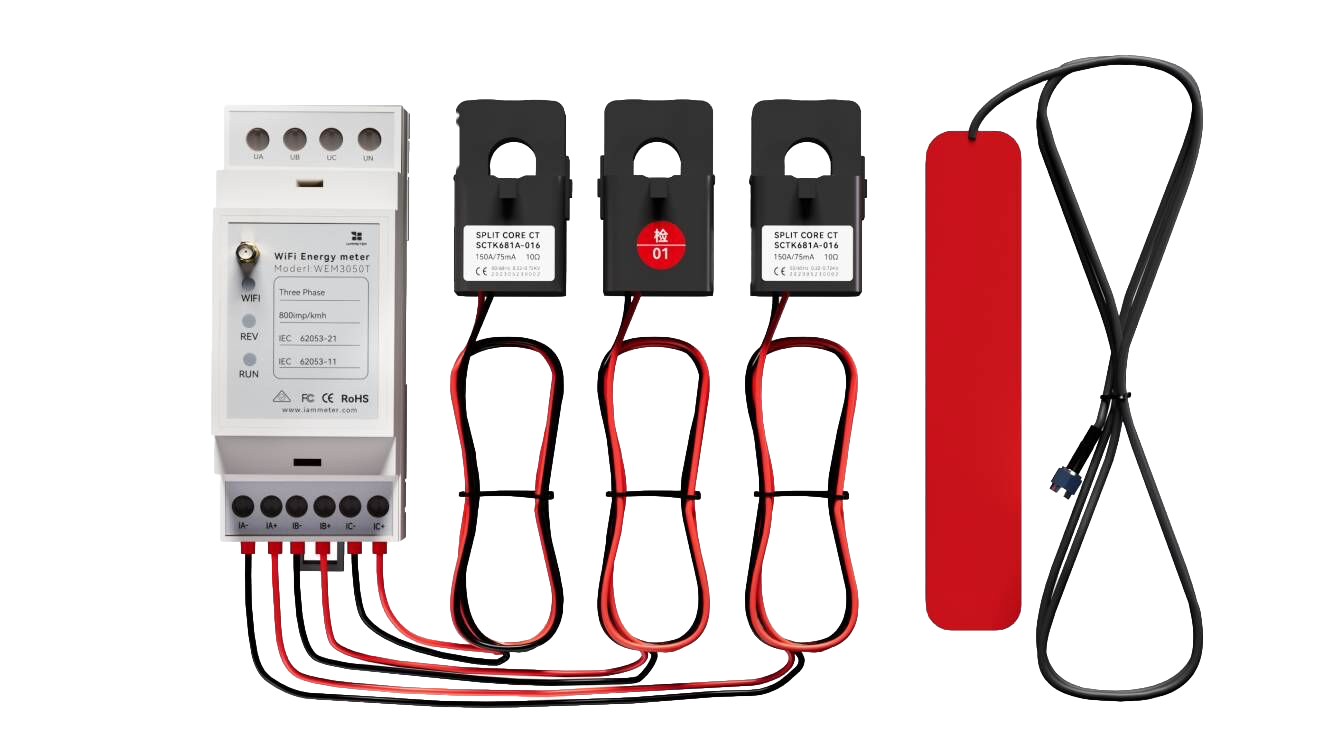
| WEM3050T | Three-phase or split-phase home monitoring | WEM3050T |
| WEM3080TD | Three-phase/three-wire and special wiring | WEM3080TD |
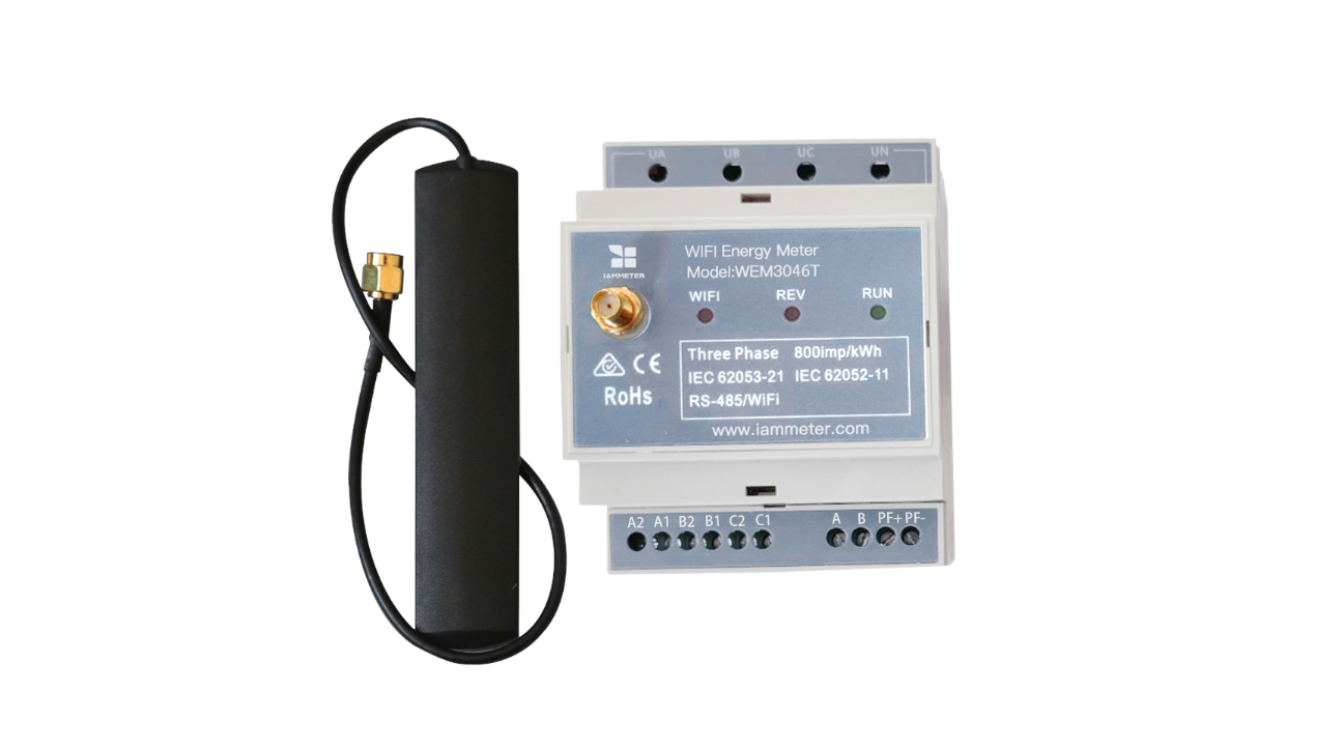
| WEM3046T / WEM3046TE | External 5 A CT systems | WEM3046T/E |
WEM3046T and WEM3046TE measure the 5 A secondary output of external current transformers. Applying the external CT ratio is a metering-system requirement, not a limitation of Home Assistant or any integration method.
What about IAMMETER-Link?
The six methods above bring an IAMMETER hardware meter into Home Assistant.
IAMMETER-Link works in the opposite direction. It maps energy entities that already exist in Home Assistant—such as a third-party meter or inverter—to an IAMMETER Virtual Meter and uploads them to IAMMETER Cloud.
Use IAMMETER-Link when Home Assistant already supports the energy device and you want to reuse that data in IAMMETER Cloud. It is not a seventh method for reading an IAMMETER hardware meter.
Final recommendation
For most users:
- choose HACS Modbus for fast local data with UI configuration;
- choose Core for an official no-HACS integration;
- choose MQTT Discovery when an MQTT broker already exists and automatic entities are the priority.
Then follow the dedicated setup guide instead of combining configuration from several methods.
Start from the complete Home Assistant integration matrix if you need model support, refresh intervals, Cloud compatibility, and links to every technical guide.
Updated: July 22, 2026.