


Getting Started with IAMMETER: Setup, Cloud, Home Assistant and Your Own Server
Welcome to IAMMETER! Start by following the quick start guide to install your meter and connect it to your network. Then choose the guides that match how you want to use it: with IAMMETER Cloud, Home Assistant, or your own server.
Use the links below to go straight to the section you need.
1. Install Your Meter and Connect It to Your Network
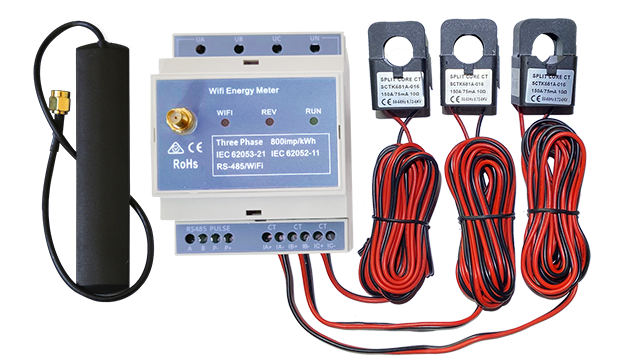
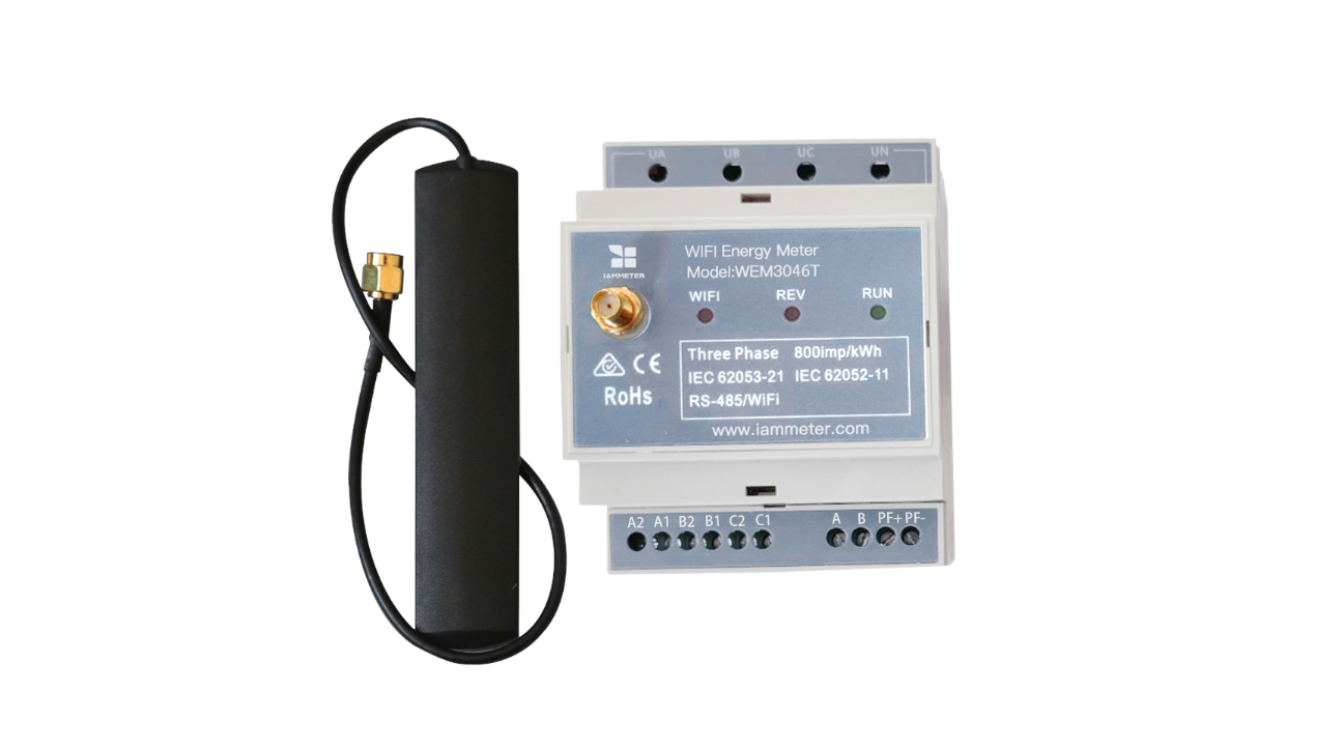
Open the Meter Quick Start Guide, select your meter model, and follow the instructions for installation, wiring, and network configuration.
2. Use IAMMETER Cloud
To view energy consumption, power, and analysis reports through the IAMMETER web interface or mobile app, start here:
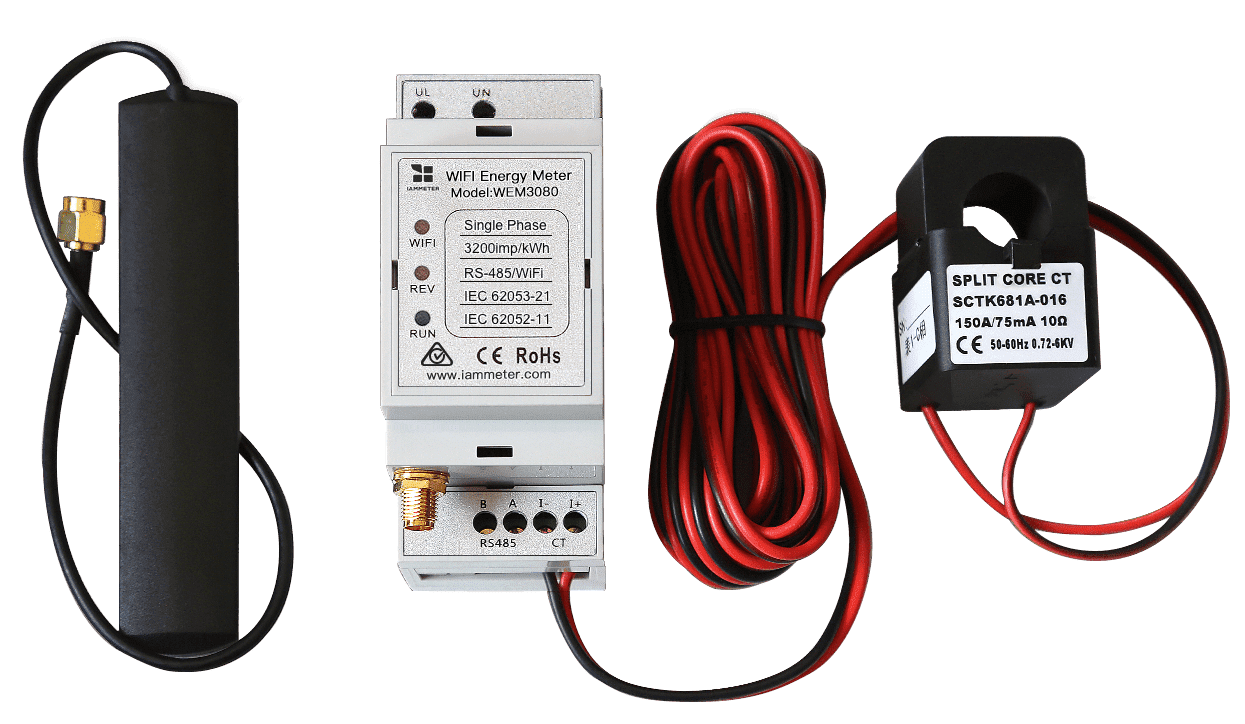
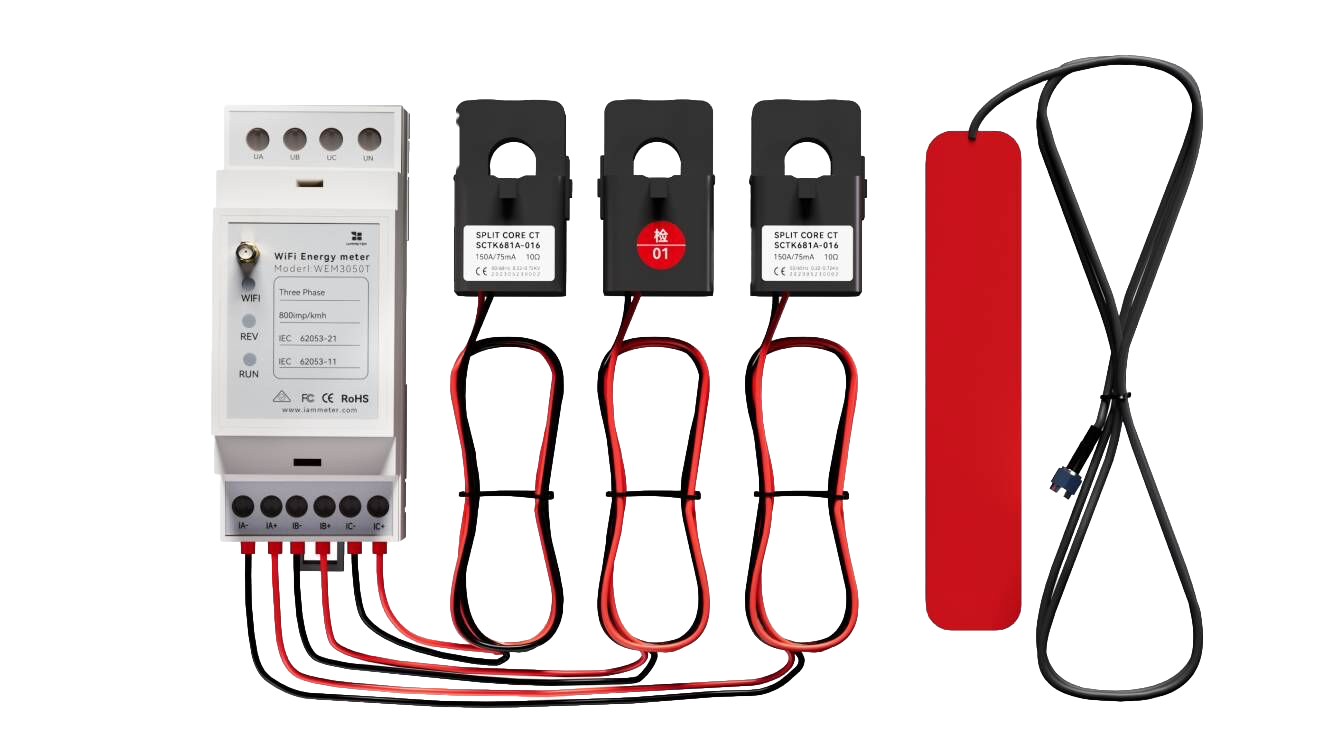
WEM2067, WEM3080, and WEM3050T include Basic service by default. Users of these meters can claim 200 RP for free through Contributor Center and redeem the points for one month of Pro service to try additional analysis features. New and existing Contributor Center users are eligible if they have not claimed the bonus before. Each account can claim it once.
3. Connect Your Meter to Your Own Server
To send meter data to an existing system or build your own energy monitoring application, see:
- Develop Your Own Energy Monitoring System
- Send Meter Data to Your Own Server
- Publish Meter Data to Your MQTT Broker
If you prefer to deploy a ready-made local monitoring system, explore the IAMMETER Integration and Self-Hosting Options.
4. Connect to Home Assistant and Other Open-Source Platforms
For Home Assistant, start with:
If you use Node-RED, openHAB, ioBroker, Zabbix, ThingsBoard, or Domoticz, search for “IAMMETER + platform name” to find relevant guides. You can also describe your platform, meter model, and integration needs to ChatGPT for configuration ideas.
For example, you could ask:
I have an IAMMETER WEM2067 and want to connect it to Node-RED via MQTT. Which official guides should I follow, and how should I configure it?
Use the official documentation from IAMMETER and your chosen platform as the reference when configuring your system.
5. Join Contributor Center and Help Build the IAMMETER Ecosystem
Join IAMMETER Contributor Center to share your experience, tutorials, technical integrations, or open-source projects and help improve the IAMMETER ecosystem. Eligible contributions can also earn RP reward points after review and approval.
- Explore IAMMETER Activities to take part in product testing, feature trials, and community activities.
- Submit Your Contribution to share your work and results.