


Electricity Usage Alerts: Detect High Consumption and Unusual Energy Spikes
Electricity usage alerts help you notice high consumption, unusual power demand and missing meter data before they disappear into a monthly total. A useful alert should answer three questions: what changed, when did it happen, and who needs to respond?
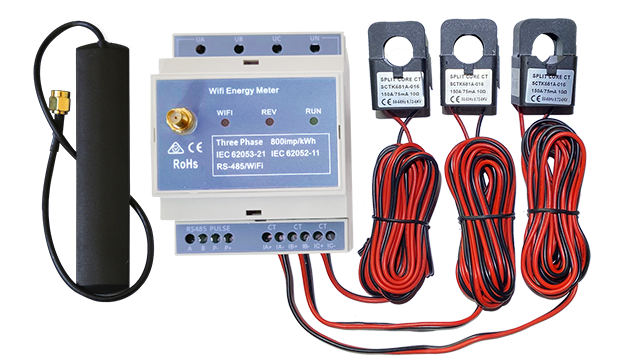
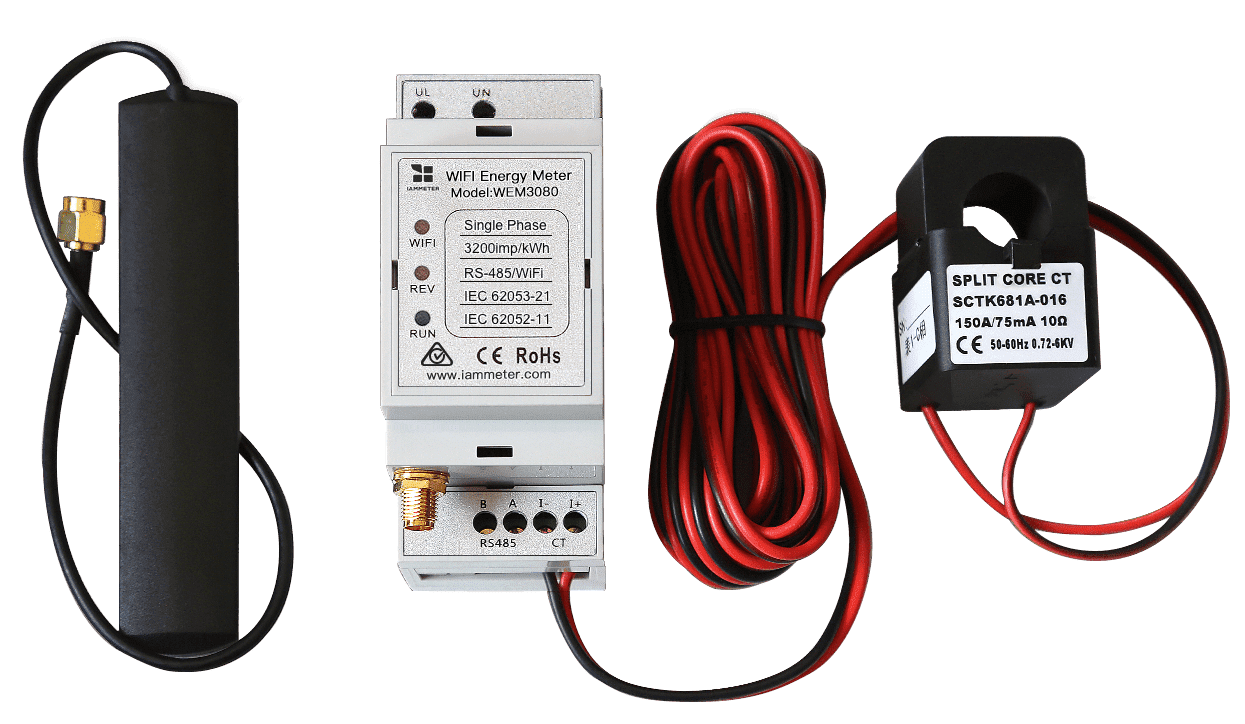
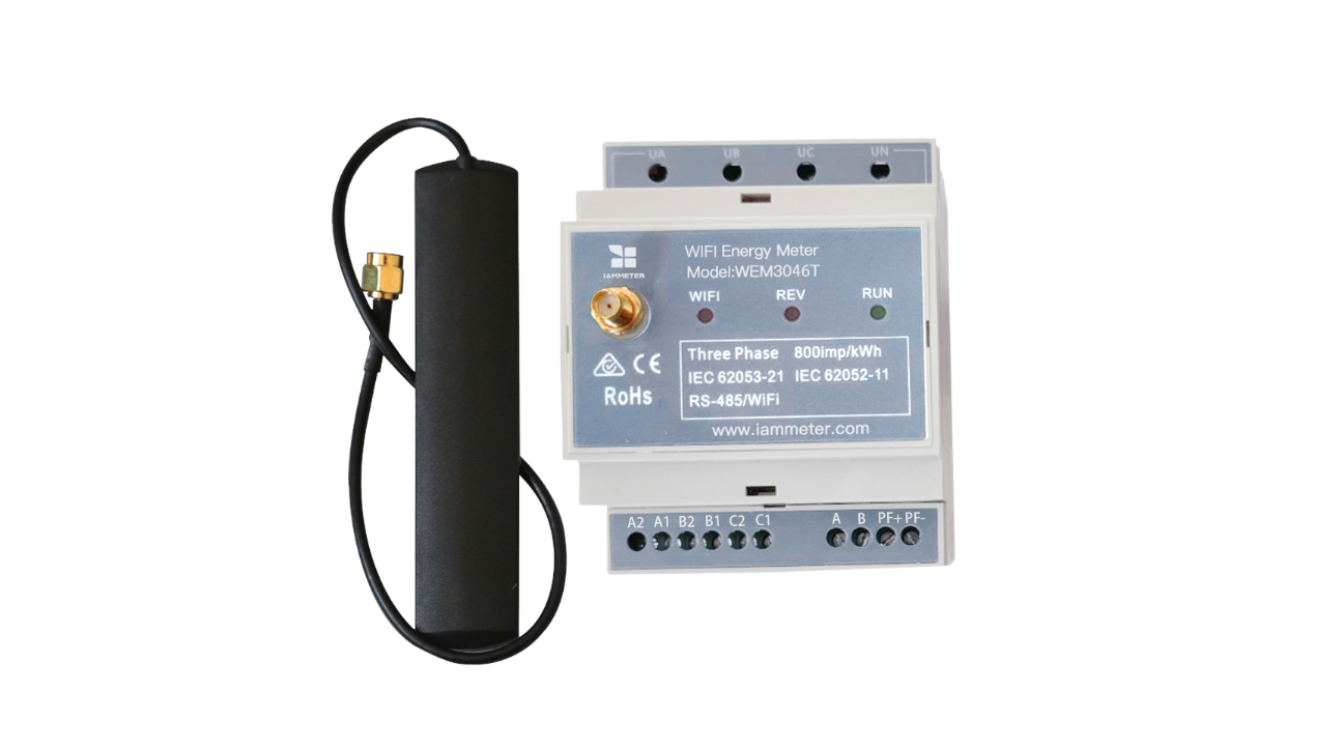
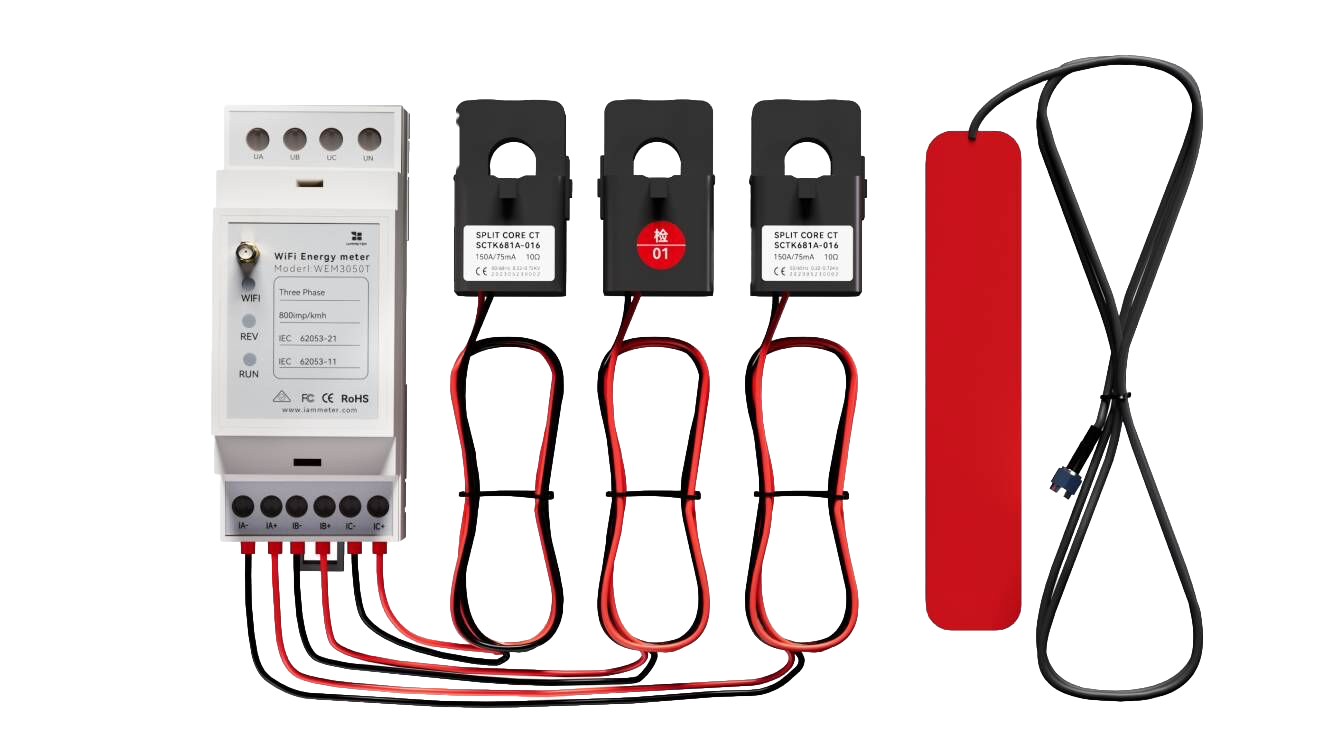
IAMMETER can use measured power, current, accumulated energy and device status in different alert workflows. This guide explains how to choose a useful condition, reduce unnecessary notifications and select the right monitoring method.
An energy alert provides monitoring information. It does not replace circuit breakers, over-current protection, interlocks, emergency shutdown systems or other electrical protection required for an installation.
What can an electricity usage alert detect?
Different conditions answer different questions. Avoid using one generic threshold for every purpose.
| Alert type | What it can indicate | Typical use |
|---|---|---|
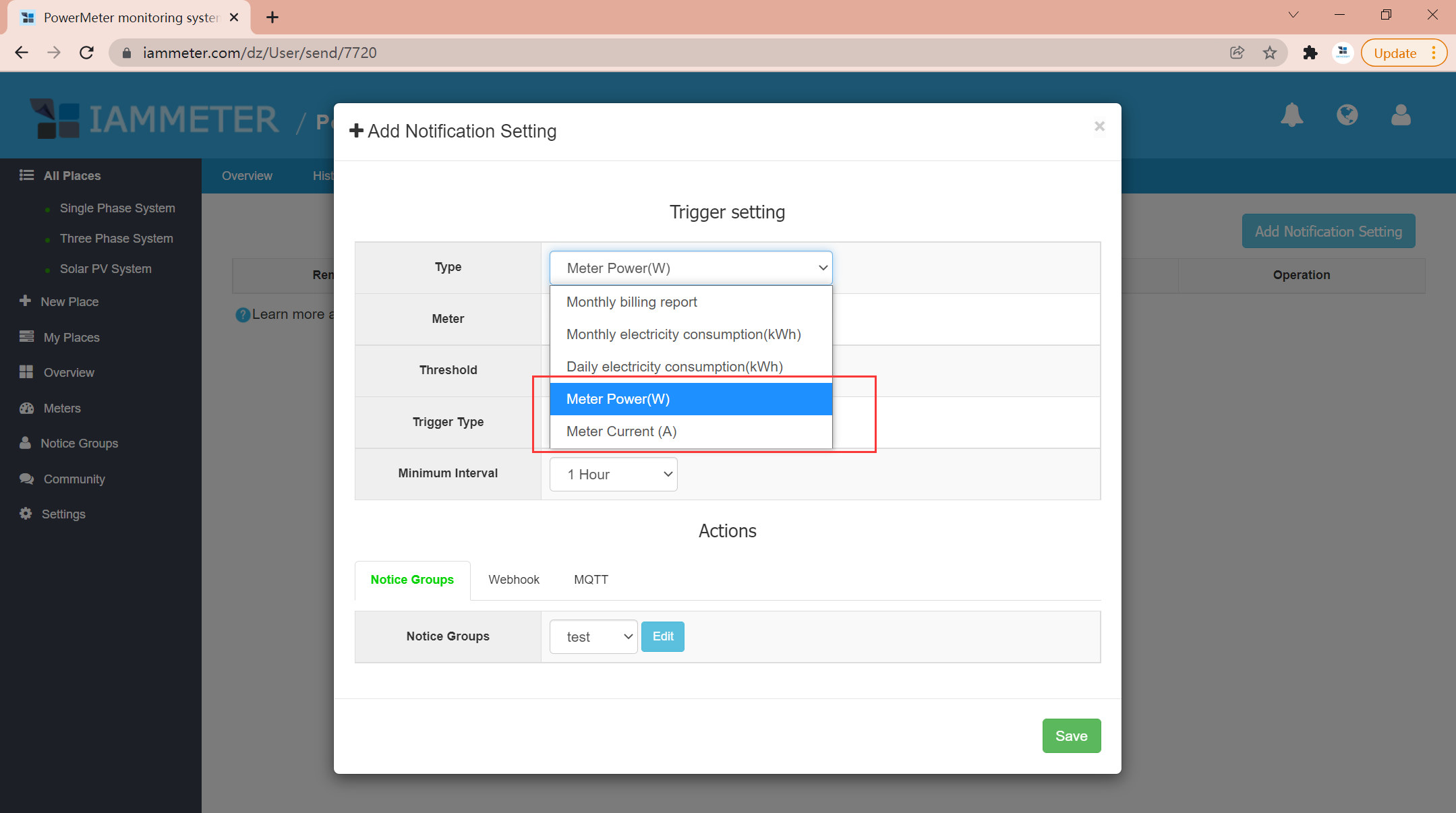
| Power threshold | A load is drawing more or less power than expected | Large appliances, HVAC, compressors and site demand |
| Current threshold | Current has moved outside an expected operating range | Phase or circuit monitoring |
| Daily energy limit | Today's accumulated use is higher than a chosen target | Household or small-business budget awareness |
| Monthly energy limit | The billing-period total is approaching a planned limit | Tiered pricing or consumption targets |
| Device offline alert | The meter has stopped uploading data | Remote sites and monitoring continuity |
Power thresholds and energy limits are not the same
Power describes the rate of electricity use at a moment in time. Energy describes the amount accumulated over a period.
- Use a power or current threshold when the timing and operating state of a load matter.
- Use a daily or monthly energy threshold when the accumulated total matters.
- Use an offline rule when data continuity matters more than the measured value.
A short high-power event may add little energy to the bill, while a moderate load running for many hours can create substantial energy consumption. Choosing the wrong type of alert can create noise without revealing the real problem.
How to choose a useful alert threshold
1. Establish the normal range
Review historical measurements for comparable weekdays, weekends, operating shifts or seasons. A threshold should be related to normal behavior rather than selected as an arbitrary round number.
2. Decide what requires a response
Write down the action someone should take when the condition occurs. If there is no useful response, the alert may not need to exist.
Examples include:
- Check whether an appliance was left running.
- Investigate an unexpected commercial load.
- Confirm that a remote meter still has power and network connectivity.
- Review whether a daily or monthly consumption target needs adjustment.
3. Account for short spikes and repeated messages
Motor starts and other brief events can cross a threshold without representing a persistent problem. IAMMETER supports level and edge trigger concepts as well as minimum notification intervals. Choose the trigger behavior based on whether you need repeated reminders or only a notification when the state changes.
4. Test the complete notification path
Create a controlled condition, confirm that the correct notice group receives the message, and review the event log. Testing the end-to-end workflow is more useful than checking the threshold field alone.
Common usage-alert scenarios
High household consumption
A daily energy alert can provide an early indication that electricity use is above the household's expected range. It does not predict the final bill by itself, but it can prompt the user to inspect long-running or unexpectedly active loads.
Unusual equipment demand
A power threshold can highlight that a compressor, heater, HVAC unit or other monitored load is drawing more power than its established operating range. The alert is a reason to investigate; it is not a diagnosis of equipment failure.
Remote meter offline
An offline alert helps identify a loss of uploaded data. The cause may be site power, Wi-Fi, internet access or the meter itself, so the notification should lead to a defined connectivity check.
Solar and automation workflows
Measured grid import or export can also be used in an independently designed webhook, MQTT or Home Assistant workflow. Automation needs appropriate thresholds, timing, hysteresis and fail-safe behavior; an alert alone should not be treated as a control safety system.
Choose the right IAMMETER alert method
| Method | Best fit | Important boundary |
|---|---|---|
| IAMMETER Cloud alerts | Persistent remote rules, notice groups and supported notification channels | Depends on Cloud data and connectivity |
| IAMMETER-Docker local alarms | Local one-second values, per-phase thresholds and retained alarm records | Runs within the local deployment |
| Browser live monitoring | Temporary visual monitoring and optional sound alerts | The browser page must remain open |
For the complete comparison of monitoring, notification and automation paths, see Energy Monitoring Alerts & Automation.
Notification channels and actions
IAMMETER Cloud can organize recipients through notice groups. Depending on the supported workflow, users can receive notifications or connect actions through:
- Telegram alert notifications
- WeChat notifications
- Webhook integrations
- MQTT-based integrations
The delivery channel does not change the underlying condition. Define the rule first, then choose how the right person or system should receive it.
Set up IAMMETER alerts
Use the IAMMETER Alert and Notification Setup Guide to create contacts and notice groups, configure power or energy conditions, enable offline alerts and review event logs.