


IAMMETER Adds SunSpec Modbus/TCP Support: Model Mapping and Integration Guide
IAMMETER firmware i.91.065.18 adds a read-only SunSpec integer meter-model map to the existing Modbus/TCP service. It gives software that understands SunSpec models a standard way to discover an IAMMETER meter and read selected electrical values over the local network.
This is an interface addition, not a replacement measurement system. The meter continues to collect data in the same way. Existing IAMMETER Modbus registers, HTTP API, MQTT payloads and NEM settings remain unchanged.
SunSpec defines standard device information models that can be mapped into Modbus holding registers. Its map starts with a SunS marker, followed by Common and device-specific models that a client can discover by reading each model ID and length in sequence. The SunSpec Modbus specification package documents the model-discovery pattern, including the 0-based Modbus map locations and unimplemented-value rules. SunSpec Modbus is used across distributed-energy integrations, including meters, inverters and storage equipment.
IAMMETER implements a focused, read-only subset for meter data. This firmware has not been submitted for SunSpec certification. Do not treat this feature as certification, full SunSpec conformance or a guarantee that every third-party SunSpec client will work without configuration.
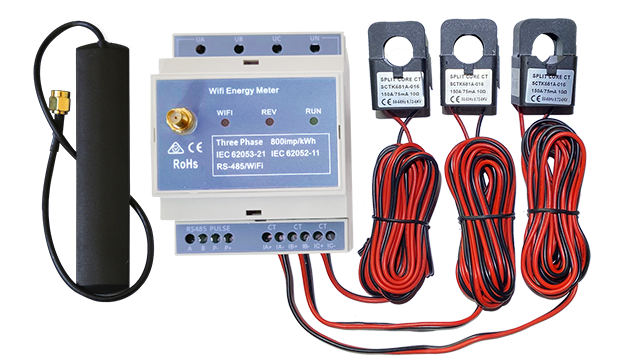
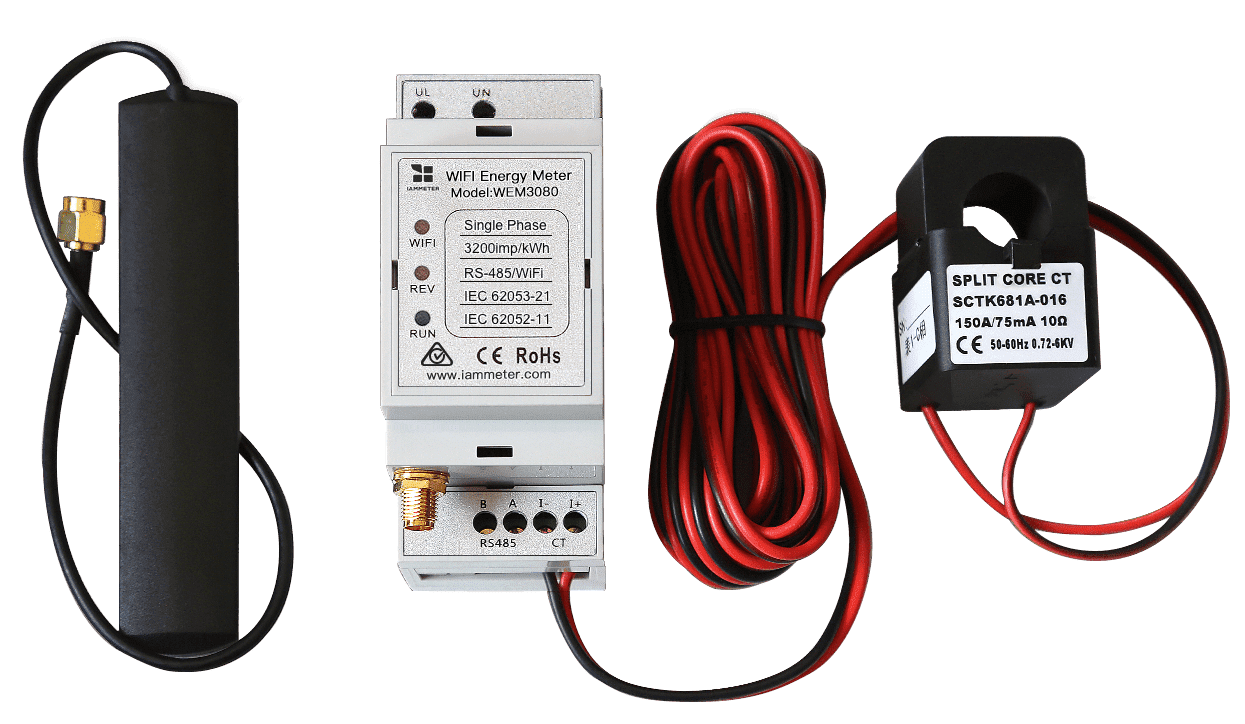
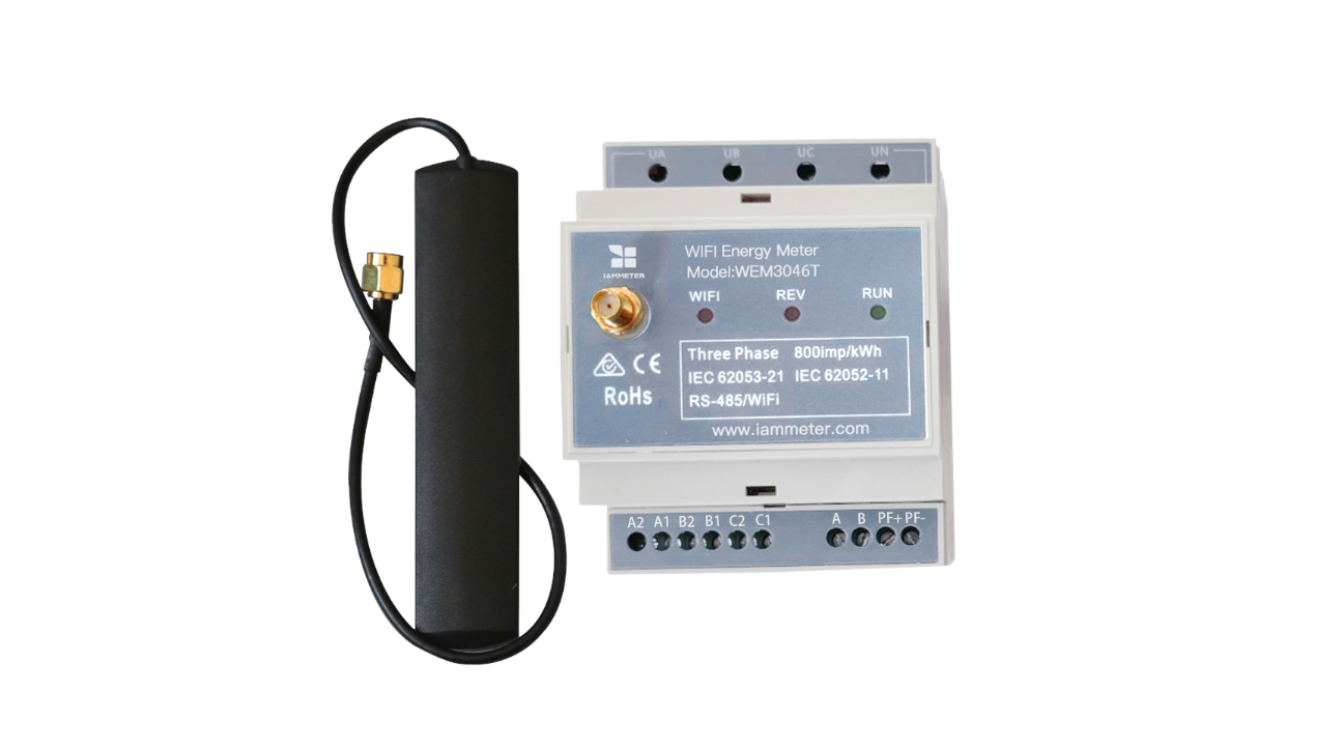
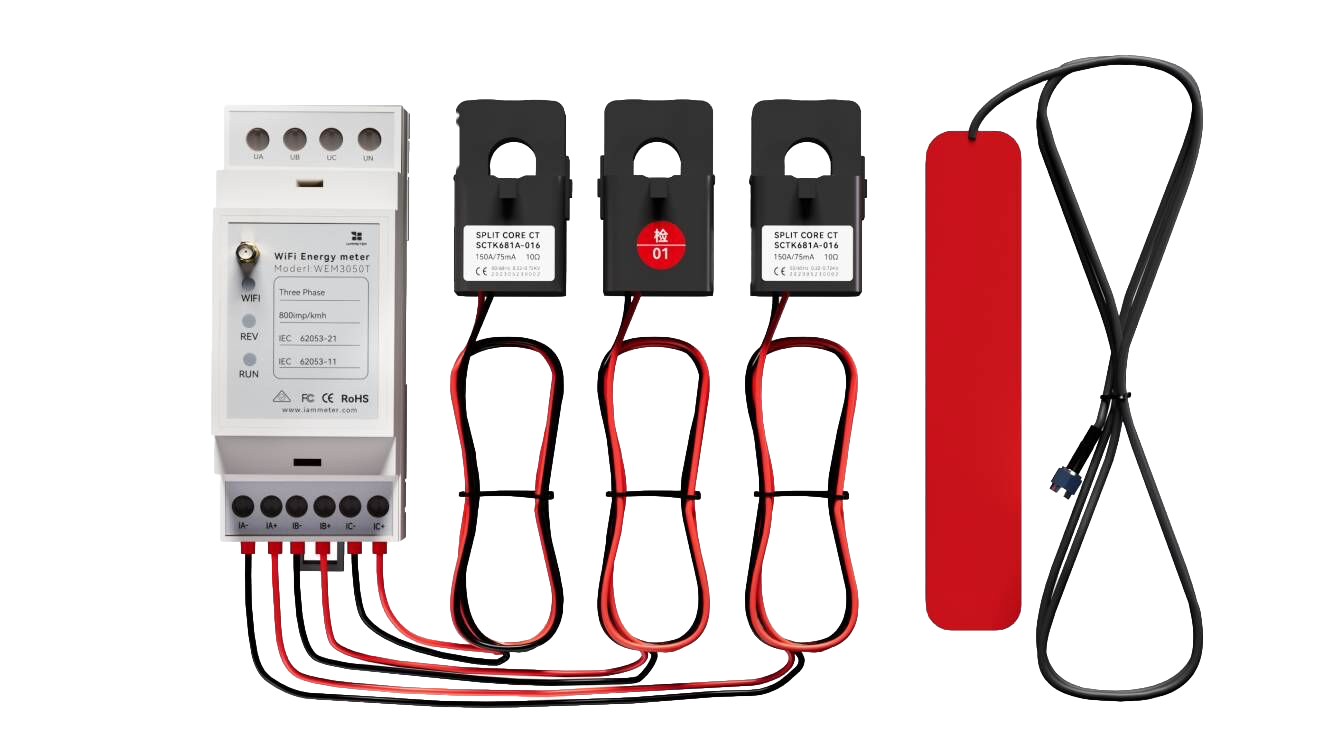
Supported IAMMETER models and meter mappings
| IAMMETER meter | SunSpec integer meter model | Electrical interpretation |
|---|---|---|
| WEM3080 | 201 | Single phase |
| WEM2067 | 202 | Split phase |
| WEM3050T | 203 | Three-phase wye |
| WEM3080T | 203 | Three-phase wye |
| WEM3046T | 203 | Three-phase wye |
| WEM3063T | 203 | Three-phase wye |
For WEM2067, Model 202 represents a genuine split-phase installation. It does not describe two unrelated single-phase circuits as the same electrical arrangement.
The code for Model 204 has host-test coverage, but firmware does not yet automatically detect and select it for WEM3080TD. This article therefore does not claim Model 204 availability. WEM3046TE also has not yet received dedicated model-identification verification. The first release supplies integer models only: float models 211 through 214 are not available.
What a client can read
The integer meter models expose phase voltage, phase current, phase active power, total active power, frequency, phase power factor, and per-phase and total import/export active-energy accumulators. The Common Model supplies device-identification data such as model, firmware version and serial number.
Energy is represented in Wh in the SunSpec map; power factor is represented as a percentage. Total-energy points reuse the meter's existing total fields and NEM semantics. IAMMETER does not recalculate a three-phase total by adding the phase accumulators in this mapping. Because the NEM setting affects the meaning of those accumulators, a client must not assume that total energy always equals the sum of phase energy.
Some fields are intentionally absent in this first version: reactive power and reactive energy, apparent power and apparent energy, multi-phase total power factor and event flags. Their standard locations remain in the model and return the appropriate unavailable marker. A SunSpec client must recognise unavailable values rather than interpret them as measurements.
Voltage interpretation matters
The phase values come from the meter. Some line-voltage points are derived for the model mapping:
- Model 202 line voltage is
UA + UB. - Model 203 line voltage is an approximation of phase voltage multiplied by
√3; it is not a direct line-to-line measurement. An unbalanced system or phase-angle deviation can create error.
This distinction is important for applications that need a directly measured line-to-line voltage. Check the model point definition and the connection arrangement before using a derived value for control or compliance decisions.
Connect with Modbus/TCP
Enable the meter's existing Modbus/TCP service, then connect to its LAN address:
| Item | Setting |
|---|---|
| Host | Meter LAN IP address |
| TCP port | 502 |
| Read function | 03 — Read Holding Registers |
| SunSpec start address | 40000 |
| Write access | Not supported by the IAMMETER SunSpec map |
The addresses in this guide are 0-based Modbus request addresses. Some applications display 1-based register numbers, so verify their convention before configuring a read; an off-by-one address will not return the expected marker.
Use the following discovery sequence:
- Read two registers at address
40000. Expected words are0x5375and0x6E53, the ASCII markerSunS. - Read the Common Model 1 beginning at
40002. - Read the meter model beginning at
40070. Reading 107 registers obtains its model ID, length and complete data region. - Read the end marker at
40177.
One Modbus request can read no more than 125 registers, so read the Common and meter models separately. Clients should discover the model IDs and lengths rather than hard-code an assumption about every future model sequence.
Integer values and scale factors
SunSpec integer points use scale factors. Convert a raw integer with:
actual value = register integer × 10^scale factor
For example:
W = 12345
W_SF = 1
actual active power = 123450 W
Scale factors can change with range. Read a complete meter model each polling cycle so a value and its scale factor come from the same response. Do not cache scale factors indefinitely.
Validation and current limits
Host tests cover model layout, conversion, overflow, read-only behaviour and regression checks for existing registers. A WEM3080T test meter has confirmed Model 203 discovery and continuous reads, with voltage and power checked against the existing HTTP and Modbus interfaces.
Other meter models and individual third-party clients still need further physical testing. Firmware i.91.065.18 was built, uploaded and downloaded again for file verification; this release file itself was not flashed during this validation cycle.
The firmware does not include the pending TCP framing improvement. It currently expects one complete request in a receive operation. Split or combined TCP requests may close the connection. Send one request and wait for its reply before the next request, while recognising that this does not eliminate every TCP-segmentation risk.
Where this fits in an IAMMETER installation
Use the SunSpec map when a local client is built to discover and read SunSpec meter models. Use the existing IAMMETER Modbus/TCP register map when an application needs IAMMETER-specific registers. The existing local Modbus path remains useful for Home Assistant energy-meter integration, while HTTP, MQTT and IAMMETER Cloud remain independent options.
Download the firmware: i.91.065.18.bin.
Before updating, review your meter model, connection method and local network access. This is a read-only data interface; it does not provide inverter control, write operations or a claim of full third-party SunSpec interoperability.