


IAMMETER Firmware i.91.065.17 Adds Secure Admin Recovery, Swagger API Support and WEM3063T Support
IAMMETER firmware i.91.065.17 builds on the security features introduced in the i.91.065 firmware line, adding a secure recovery mechanism for forgotten Admin Security credentials, improved browser-based API testing with HTTP Basic Authentication, and support for the new WEM3063T energy meter.
This release is also part of IAMMETER’s ongoing work to address the cybersecurity requirements applicable to internet-connected radio equipment under EN 18031-1:2024. Compliance and certification status for individual IAMMETER meter models will be announced separately when formally available.
For users, the update provides four practical improvements:
- recovering access when the local Admin Security password has been forgotten;
- testing protected device APIs from an external Swagger UI;
- supporting the WEM3063T three-phase energy meter for the US market;
- making the Security module guidance easier to find.
Secure Admin Password Recovery
If you forget your Admin Security password, you can verify that the device is associated with your IAMMETER account and recover local access without requiring IAMMETER Cloud to directly connect to or reset the meter. The device generates a one-time recovery challenge, and the recovery service signs that exact challenge after account verification.
The workflow is:
- Request a one-time recovery challenge from the device.
- Sign in to the IAMMETER Contributor system with your IAMMETER Cloud account.
- Submit the challenge payload. The recovery service verifies that the device serial number is associated with your IAMMETER account.
- Receive an Ed25519 signature for that exact payload.
- Send the signed recovery request to the device through its local IP address.
- After successful verification, the device disables Admin Security so that you can configure a new Admin Security username and password.
The recovery payload is bound to the device serial number, MAC address and a one-time nonce. The firmware contains only the verification public key; it does not contain a private signing key. The recovery service signs the device-generated challenge after verification; it does not directly connect to or reset the meter.
For the complete procedure, see How to Recover a Forgotten IAMMETER Admin Password.
WEM3063T support for the US market
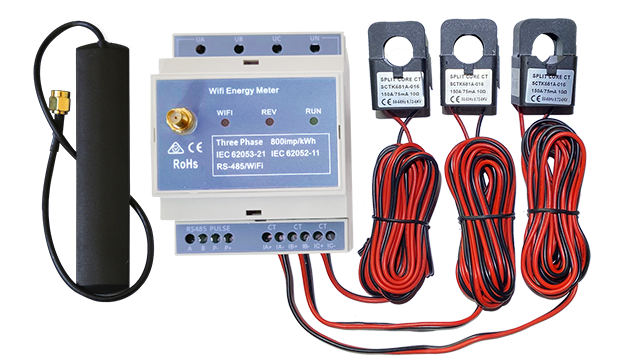
Firmware i.91.065.17 includes support for the WEM3063T, a three-phase IAMMETER energy meter developed for the US market.
The WEM3063T is designed to use external CTs with a standard 5A output. It has undergone product and safety testing as part of the ongoing UL certification process, including testing conducted by SGS. UL certification status will be announced separately when formally available. The firmware identifies the WEM3063T and applies the corresponding current, power and energy scaling logic.
Before upgrading, confirm the meter model, CT specification and regional installation requirements for your site.
Swagger API testing with Basic Auth
Firmware i.91.065.17 allows browser-based API tools such as the IAMMETER WEM API Test Swagger UI to call Admin Security-protected APIs using HTTP Basic Authentication. The firmware now permits the Authorization header in CORS preflight requests.
The Swagger workflow still requires:
- a browser that can reach the meter's local IP address;
- valid Basic Auth credentials;
- an API operation supported by the device firmware.
The request path is direct:
Browser → loads Swagger UI from iammeter.github.io
Browser → sends an authenticated API request directly to the meter's local IP
The Swagger website is not a server that connects to your meter. The browser must be able to reach the meter on the local network, and every protected request still requires valid Basic Auth credentials. The CORS change does not remove authentication or expose the device API through IAMMETER Cloud.
Other security improvements
The Security page now provides a clearer Enable/Disable Security Module help entry. It links users to the Local Admin Security User Guide, including configuration and recovery guidance.
MQTTS and HTTPS Certificate Verification
The i.91.065 firmware line also supports three certificate verification modes for MQTTS and HTTPS:
builtin— use the built-in trusted root certificates;custom— use an uploaded PEM Root CA certificate;none— disable certificate verification for compatibility or controlled test environments. This mode is not recommended for normal Internet-facing deployments.
The built-in certificate store includes DigiCert Global Root G2 and ISRG Root X1. A custom PEM Root CA can be uploaded for deployments that use a private certificate authority. The same TLS verification configuration is shared by MQTTS and HTTPS.
For configuration details, see MQTTS and HTTPS Certificate Verification.
For Admin Security settings, see Local Admin Security User Guide.
Upgrade and compatibility notes
This release keeps the existing security behavior for the underlying protocols:
- Basic Auth verification remains required for protected APIs;
- Existing OTA security checks remain in place;
- This release does not change the existing TLS connection or certificate-verification behavior;
- the firmware still validates the recovery signature against the exact one-time payload.
Before upgrading, confirm that the firmware package matches your IAMMETER meter model and follow the local or App-based upgrade instructions in the IAMMETER Firmware Updates page.
Bug fixes and reliability improvements
This release also includes reliability fixes accumulated in the i.91.065 firmware line:
- Strengthened OTA image validation, including package structure, image length, partition boundaries and integrity checks.
- OTA validation failures now return a specific JSON error, do not set the upgrade flag and do not restart the meter.
- Improved OTA error handling in the Web UI, including XHR network errors and timeouts.
- Fixed OTA responses that could be reported as browser network errors when Admin Security was enabled.
- Improved handling of HTTP POST bodies received across multiple TCP packets, including Admin Security, TLS certificate, advanced settings and OTA requests.
- Fixed an issue where the Web UI could fail to display the correct result page after a successful OTA update.
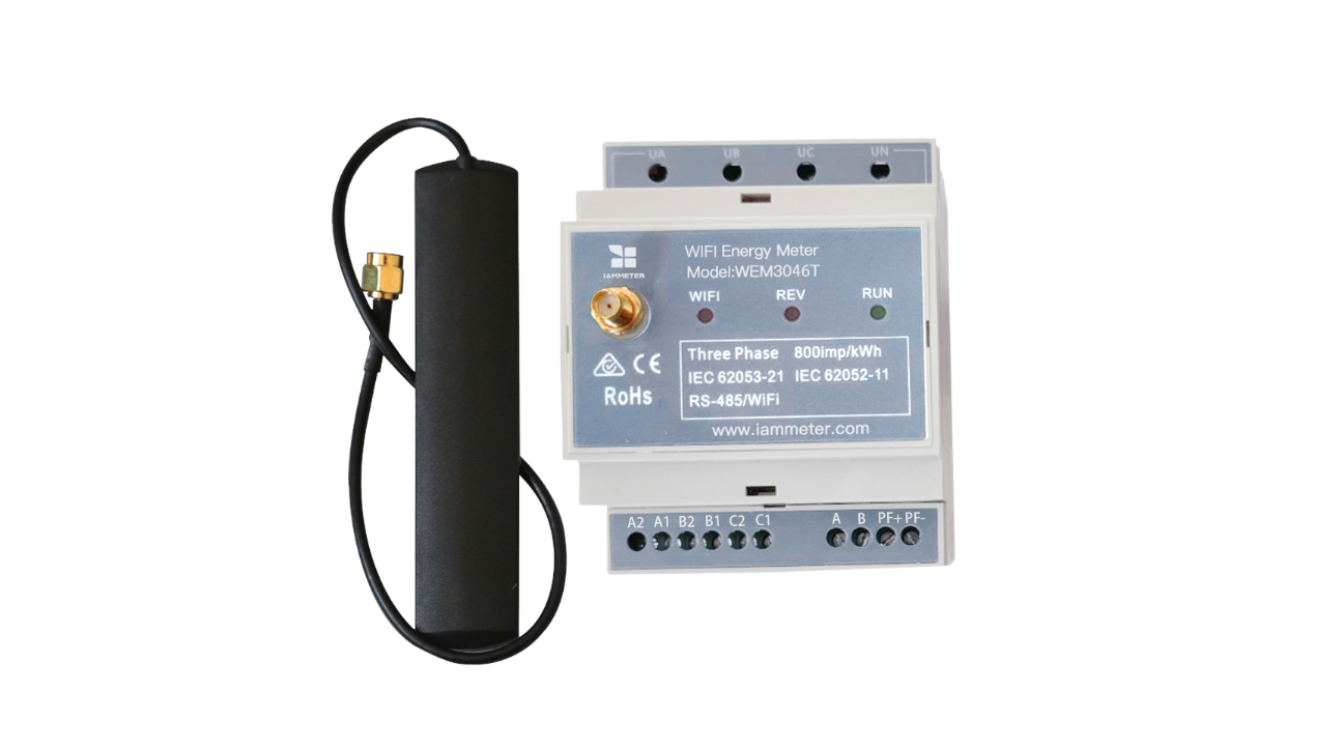
- Fixed reactive-power scaling for WEM3046T and WEM3063T.
- Added the WEM3063T Wi-Fi LED connection-state logic.