


How to Recover a Forgotten IAMMETER Admin Password
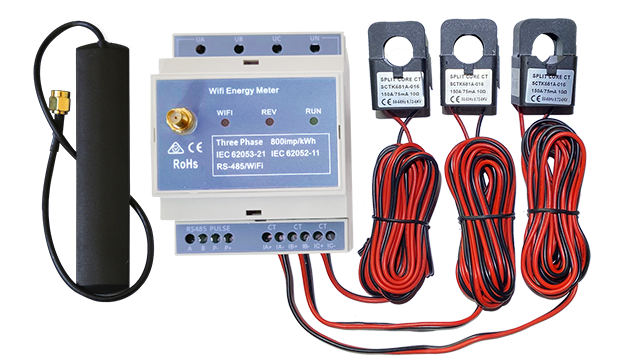
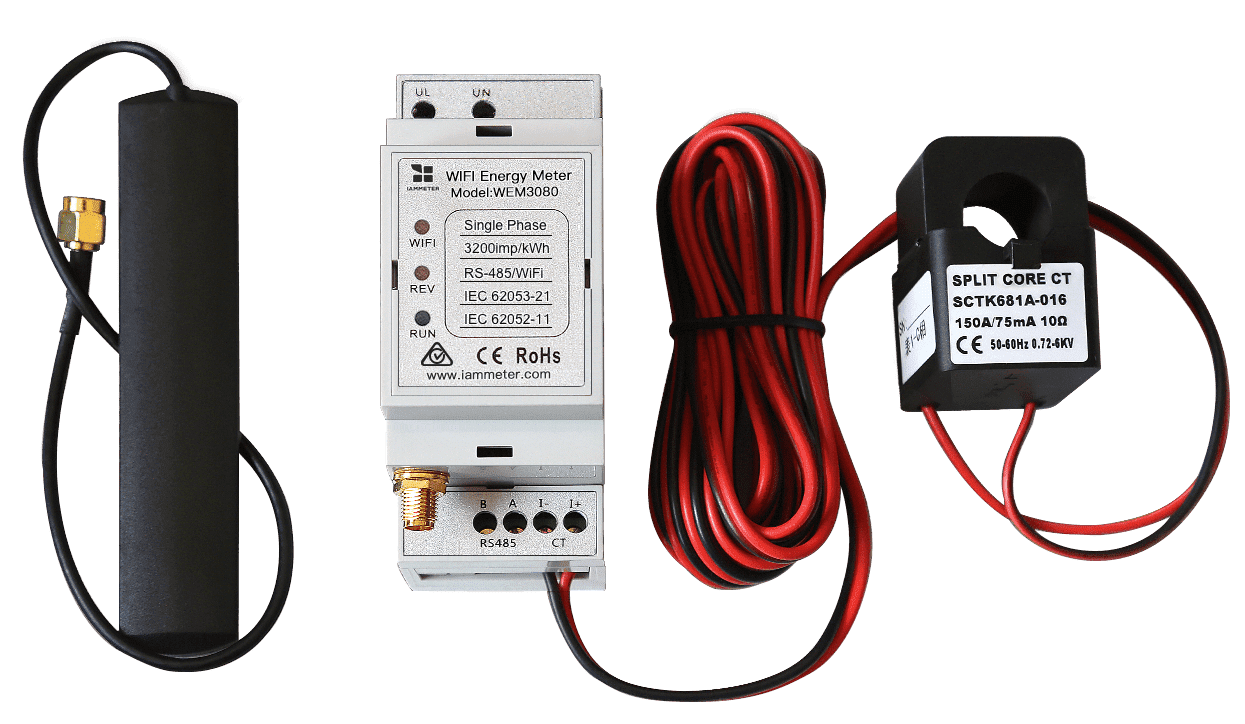
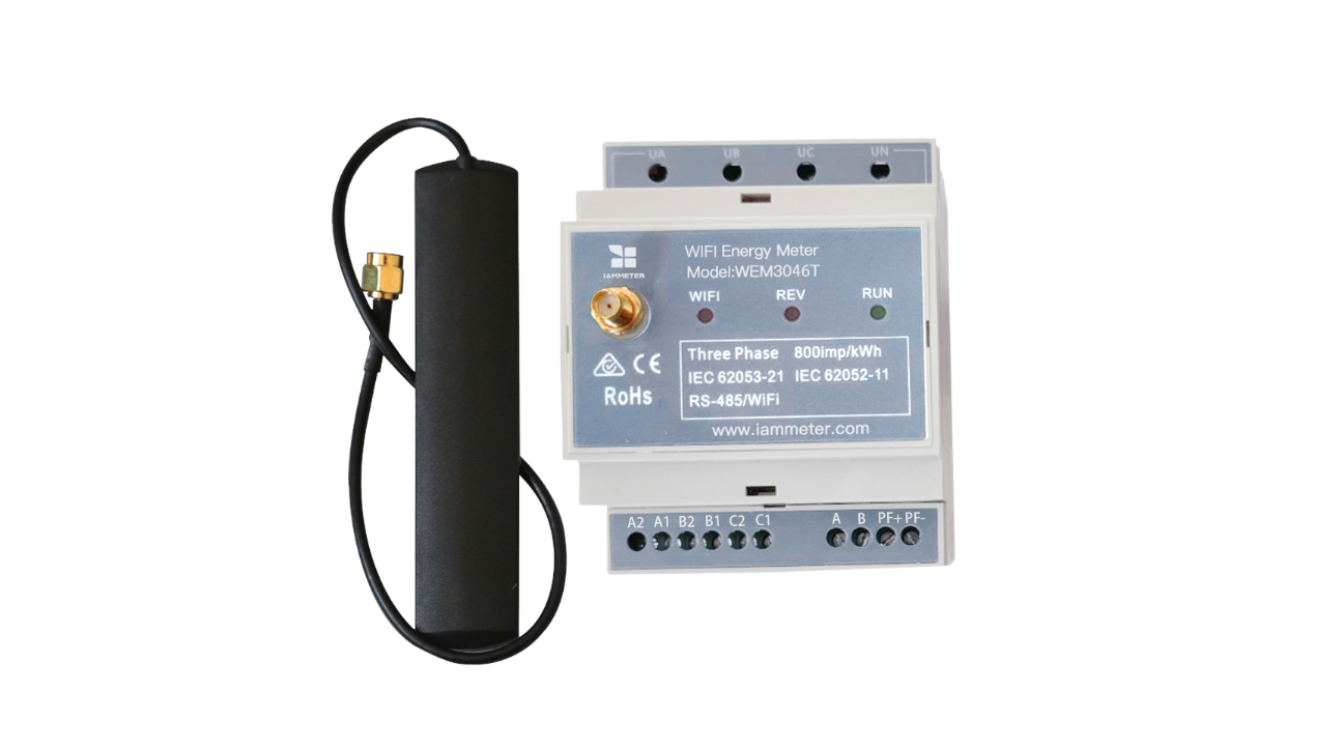
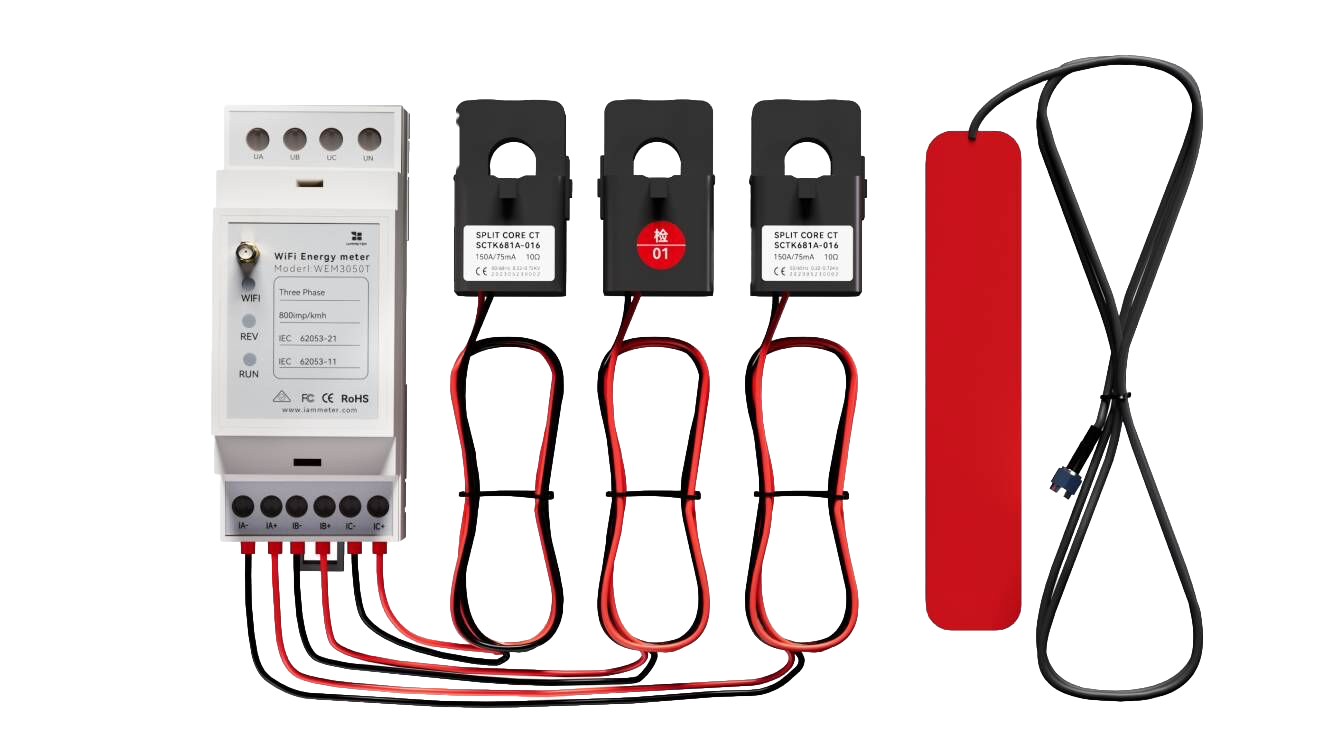
If you have forgotten the administrator username or password for your IAMMETER energy meter's local Web UI, you do not need the old credentials to recover access. IAMMETER's signed recovery process verifies device ownership, disables Admin Security, and clears the forgotten local administrator credentials.
This guide is specifically for a forgotten Admin Security password. If you still know the current credentials, change or disable them from the device's Security tab instead. For setup, protected API access, and service controls, see the Local Admin Security user guide.
On this page
- What the recovery process does
- Before you start
- Step 1: Generate a one-time recovery payload
- Step 2: Get the signed recovery response
- Step 3: Submit the payload and signature to the device
- Troubleshooting password recovery
- Why recovery requires a signed, one-time challenge
- Related IAMMETER security documentation
What the recovery process does
The recovery flow uses three components:
- Your IAMMETER device generates a device-specific, one-time recovery payload.
- The IAMMETER Contributor service verifies that your signed-in account is authorized to manage the device SN, then signs that exact payload.
- Your device verifies the Ed25519 signature, clears the forgotten credentials, and disables Admin Security.
The recovery does not erase energy data, Wi-Fi settings, or the device configuration. After recovery, you can open the local Web UI and set a new administrator username and password.
Before you start
You need:
- access to the IAMMETER device on the same local network;
- the device's local IP address;
- an IAMMETER account authorized to manage the device SN;
- a browser on a computer that can reach the device's local Web UI.
curlor another HTTP client is only required if you choose the manual submission method.
You can check whether the installed firmware supports signed recovery by opening:
http://<device-ip>/api/admin/status
Look for "recoverySupported":1 in the response. If the recovery endpoint is not available, update to a compatible firmware version or contact IAMMETER support before continuing.
Important: The challenge contains a one-time nonce. Keep the device powered on and do not request another challenge until the recovery POST has completed. A new challenge or a device restart invalidates the previous payload.
Step 1: Generate a one-time recovery payload
Open the following URL in a browser, replacing <device-ip> with the local IP address of your IAMMETER device:
http://<device-ip>/api/admin/recovery_challenge
Or request the challenge with curl:
curl "http://<device-ip>/api/admin/recovery_challenge"
The device returns a response similar to this:
{
  "successful": 1,
  "alg": "ed25519",
  "payload": "reset_admin|DEVICE_SN|DEVICE_MAC|ONE_TIME_NONCE"
}
Copy the complete payload value. Do not change its characters, separators, letter case, device SN, MAC address, or nonce.
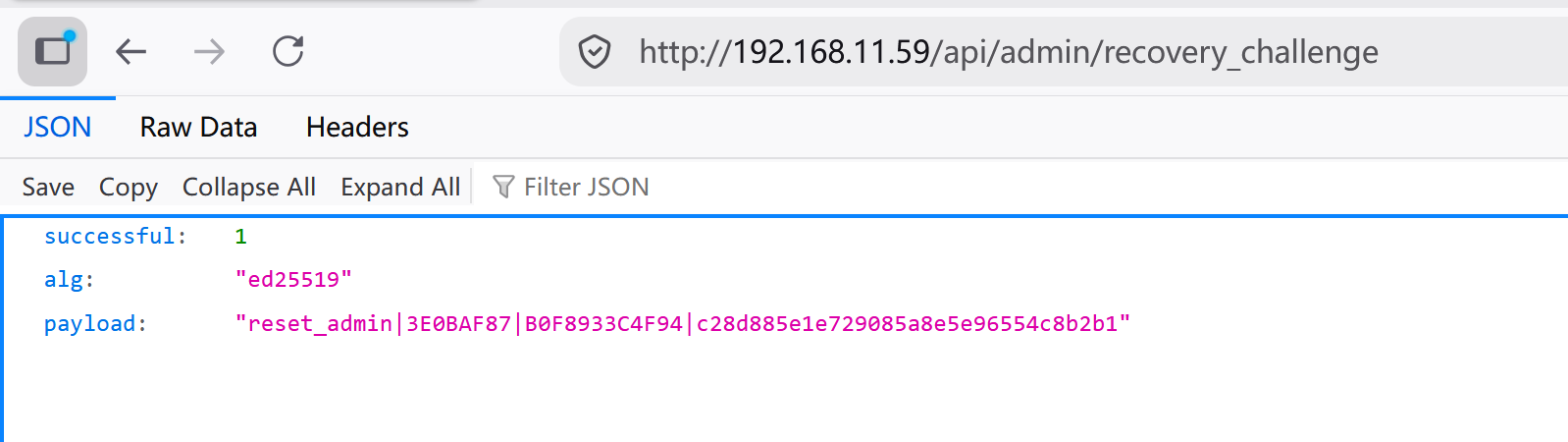
Do not refresh the challenge page or call
/api/admin/recovery_challengeagain after copying the payload. Each request immediately invalidates the previous challenge.
Step 2: Get the signed recovery response
Sign in to the IAMMETER Contributor Center and open:
Paste the complete payload from Step 1 and submit it. The service checks whether the device SN in the payload is associated with your account. After verification, it returns an Ed25519 signature for that exact payload.
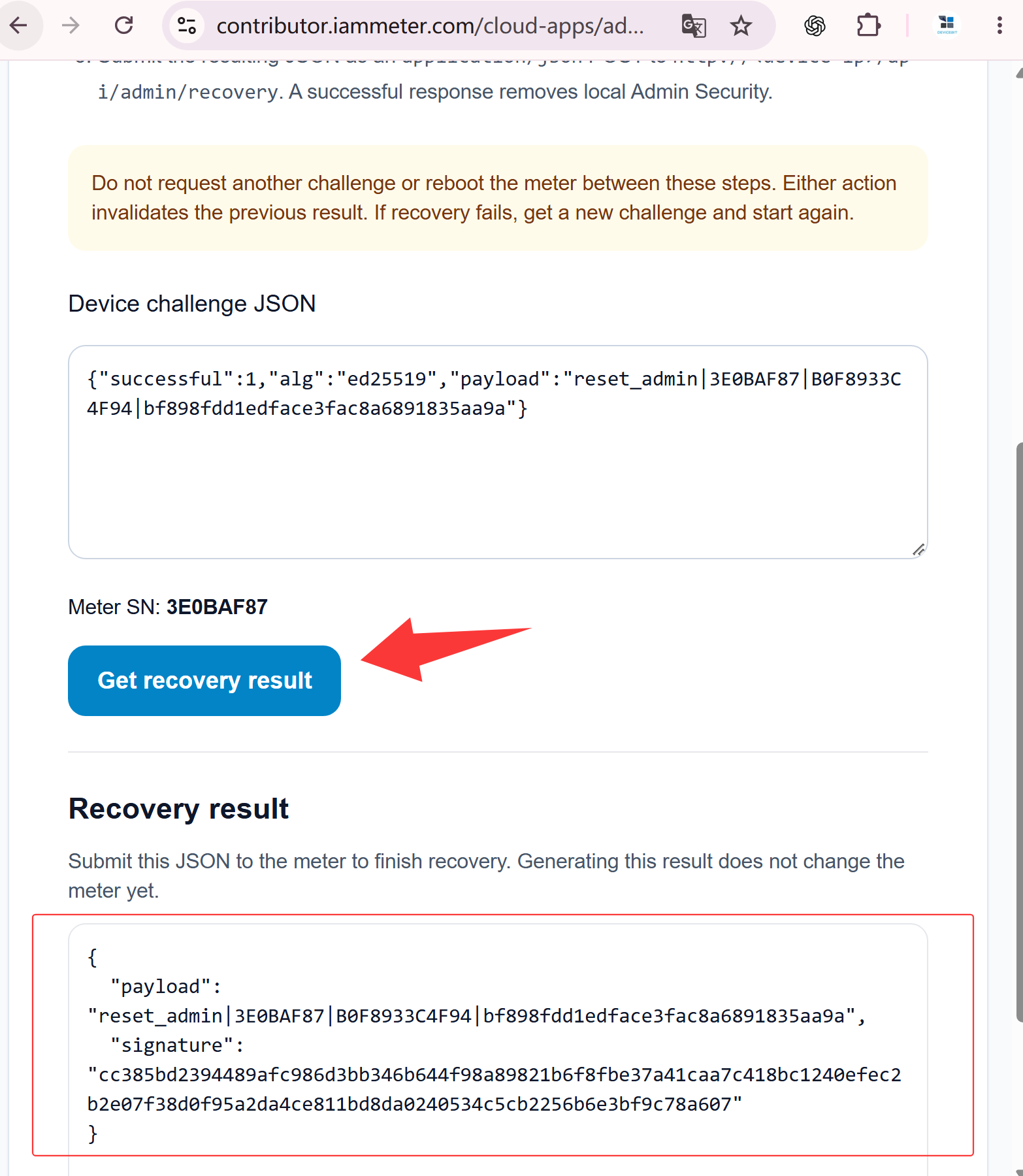
The signature is valid only for the unchanged payload generated by the device in Step 1. If you plan to submit the recovery request manually with curl, copy the signature exactly as returned. If the same browser can reach the device over the local network, you can complete the next step directly from the Contributor page.
Step 3: Submit the payload and signature to the device
Option A: Complete recovery directly in the browser
If the computer running your browser is on the same network as the IAMMETER device, and the browser can open the device's local Web UI, you can send the signed recovery result directly from the Contributor Admin Recovery page:
- In Step 3: Send to your device, enter the device's local IP address.
- Use the on-page recovery action to send the signed payload to the device.
- Wait for Recovery completed. This confirms that the device accepted the signed result, cleared the existing local administrator username and password, and disabled Admin Security.
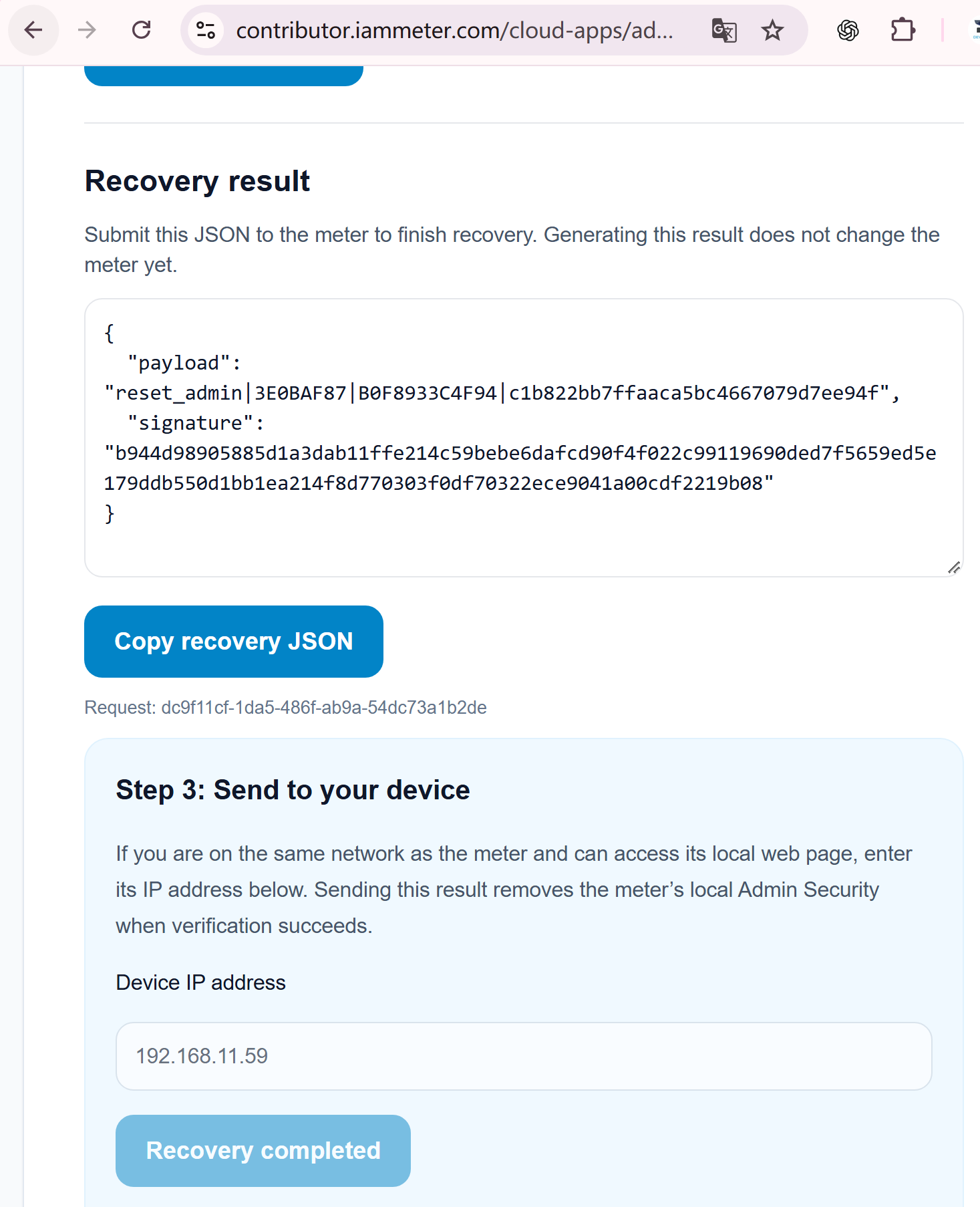
This browser method avoids copying the recovery JSON into a separate command. It works only when the browser can connect directly to the device's local IP address.
Option B: Submit the recovery request manually with curl
Run the following command. Replace:
<device-ip>with the device's local IP address;<original-payload>with the complete payload from Step 1;<signature>with the signature returned in Step 2.
curl -X POST "http://<device-ip>/api/admin/recovery" \
  -H "Content-Type: application/json" \
  -d '{"payload":"<original-payload>","signature":"<signature>"}'
Example:
curl -X POST "http://192.168.1.100/api/admin/recovery" \
  -H "Content-Type: application/json" \
  -d '{"payload":"reset_admin|DEVICE_SN|DEVICE_MAC|ONE_TIME_NONCE","signature":"128_HEX_CHARACTER_SIGNATURE"}'
The payload in this request must be identical to the payload signed by the Contributor service.
You can also send the same recovery request from the IAMMETER WEM API Test - Admin Security Public page. Open the POST /api/admin/recovery operation, provide the same recovery JSON, and send it from a browser that can reach the device's local IP address. The Swagger request is sent directly to the device; it is not proxied through IAMMETER Cloud.
After successful verification, the device:
- clears the existing local administrator username and password;
- disables Admin Security;
- invalidates the recovery nonce so the same payload and signature cannot be reused.
Open the device's local Web UI, go to the Security tab, and configure a new administrator username and password if you want to enable Admin Security again.
Troubleshooting password recovery
The signature is rejected
The most common cause is that a new recovery challenge was requested after the first payload was generated. Request one new payload, obtain a signature for that payload, and submit the matching pair without refreshing the challenge page.
A signature is also rejected when:
- the device restarted after generating the payload;
- the payload was edited;
- the signature belongs to another payload or device;
- the same payload and signature have already been used successfully.
The device reports low memory
Ed25519 verification requires sufficient free memory. The device may return a response similar to:
{
  "successful": 0,
  "message": "low memory, please change to standalone mode",
  "freeMemory": 18000,
  "minFreeRequired": 28000
}
Restart the device to release temporary memory, then generate a new payload and complete the recovery promptly. A payload created before the restart cannot be reused.
Why recovery requires a signed, one-time challenge
IAMMETER does not expose an unauthenticated factory-reset command for bypassing administrator protection. Instead:
- the device creates a payload containing the recovery operation, device SN, MAC address, and a random one-time nonce;
- the Contributor service verifies that the signed-in IAMMETER account is authorized for that device SN;
- IAMMETER signs that exact payload with an Ed25519 private key;
- the device verifies the signature with the public key embedded in its firmware;
- a new challenge, a restart, or a successful recovery invalidates the current nonce.
Binding the authorization to both the device identity and the one-time nonce prevents an old captured payload and signature from being reused later.
Related IAMMETER security documentation
- Configure Local Admin Security, protected APIs, Modbus/TCP, and SSDP
- Admin Security firmware update and the EN 18031-1:2024 security background
The EN 18031 article explains the security-related firmware work. It should not be read as a statement that a specific meter certificate has already been issued; certification details will be published separately when they are available.