


IAMMETER Cloud Introduces App Library: Customize Your Web Interface
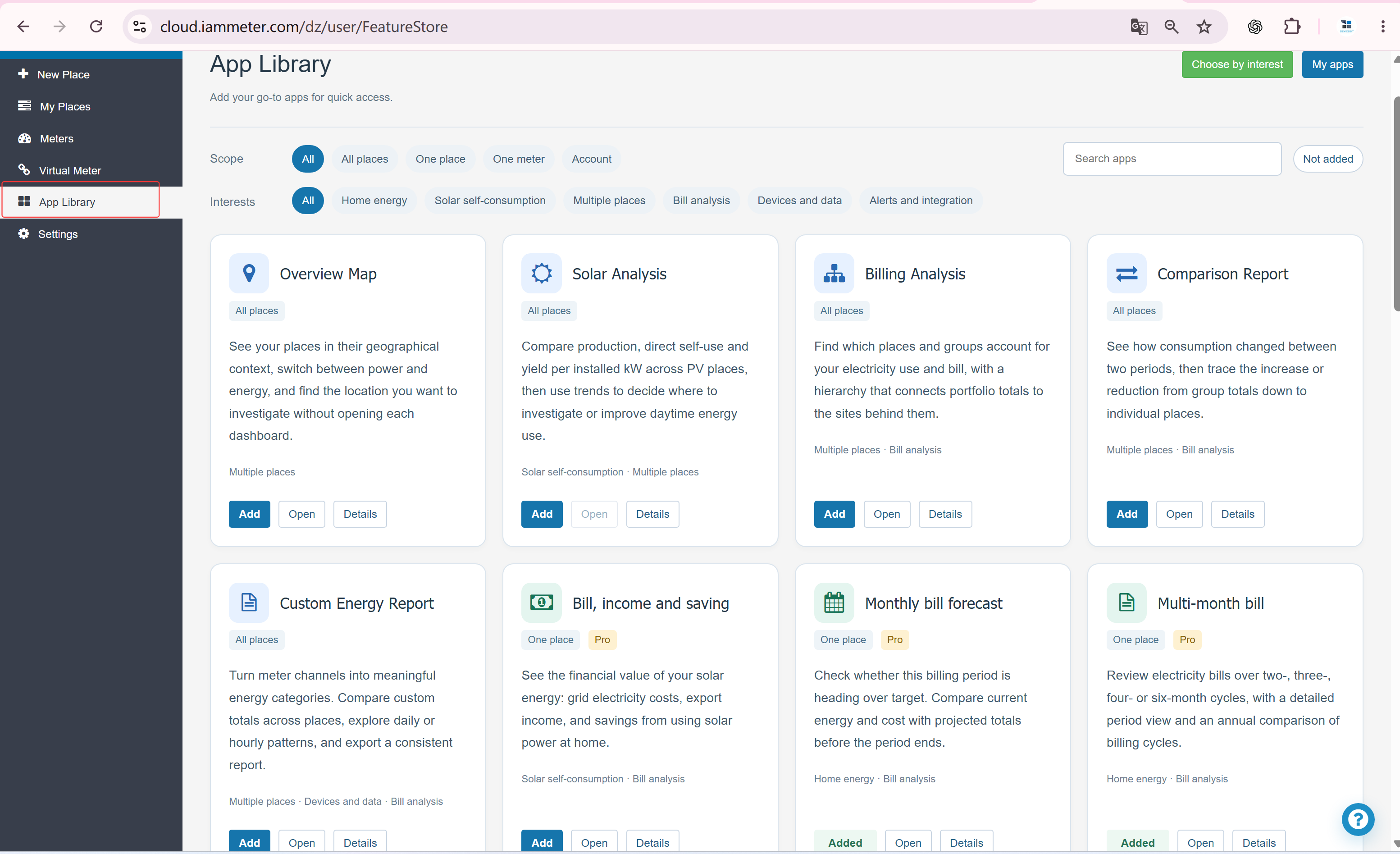
IAMMETER Cloud now includes App Library, a new way to choose which features appear in your web interface based on your interests and monitoring needs.
Whether you focus on home electricity use, solar PV monitoring, or more detailed data analysis, you can keep the features you use and hide those you do not need. This makes everyday navigation simpler and keeps your workspace focused on what matters to you.
New Users: Choose Your Features When You First Sign In
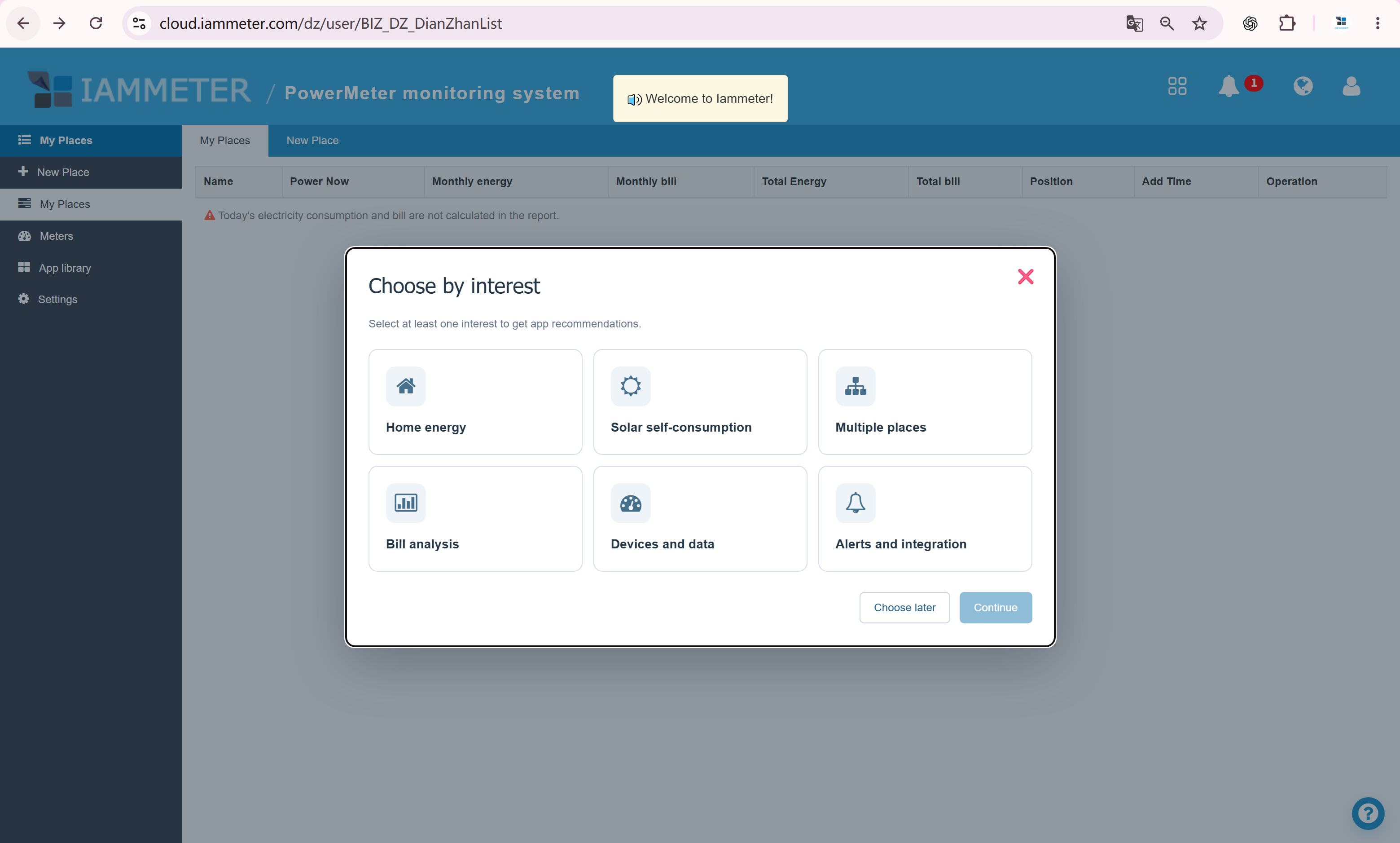
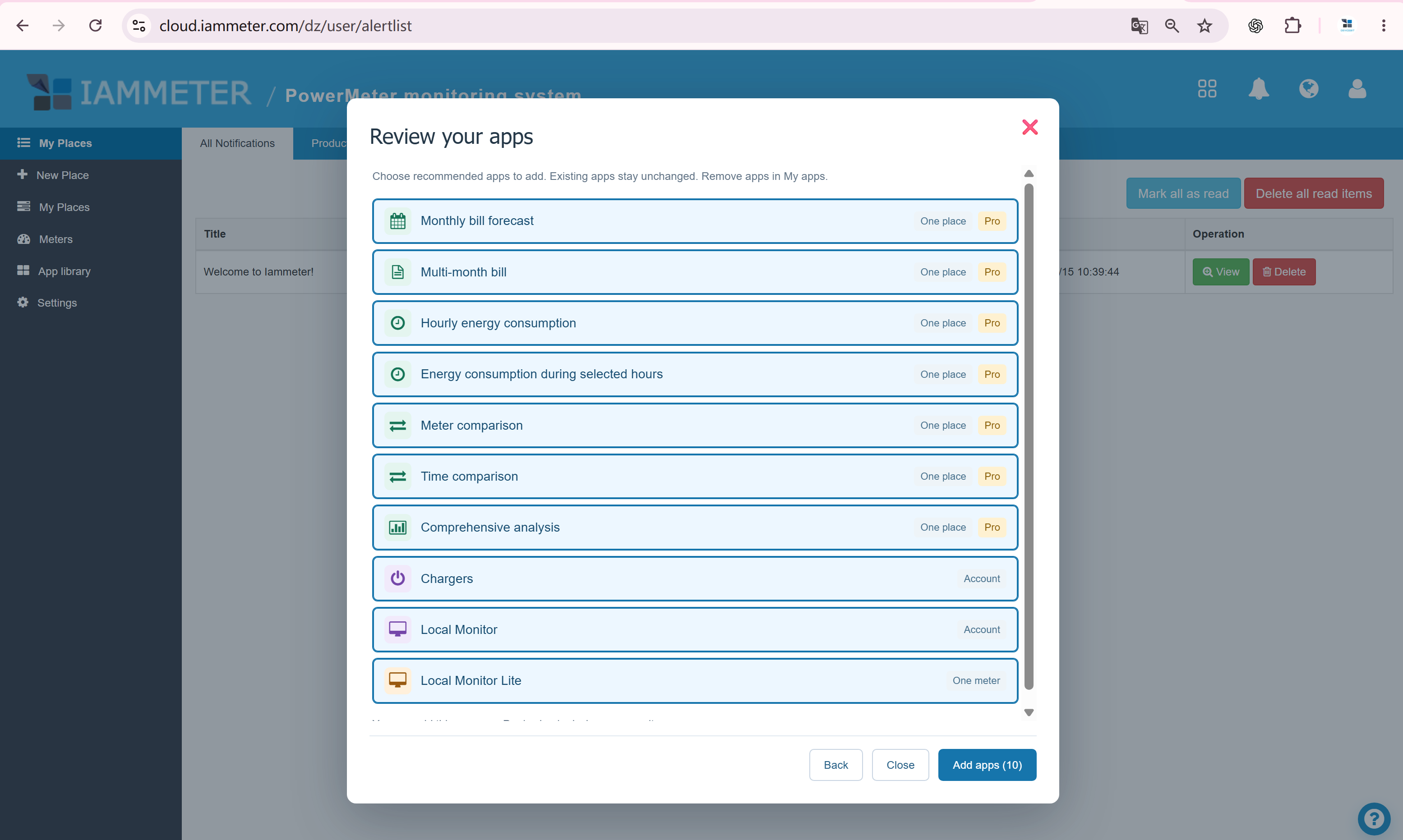
Newly registered users will see a feature selection screen when they first sign in to IAMMETER Cloud. Choose the interests that match your needs, then review the recommended apps to add.
If you are still getting to know IAMMETER Cloud, you can select all interests and add all recommended apps to explore the available features. You can refine your choices later as you learn which tools are most useful to you.
Existing Users: Update Your Interface in App Library
Already using IAMMETER Cloud? Open App Library from the menu to adjust which features appear in your interface.
Keep your frequently used tools and remove the shortcuts you do not need. You can return to App Library to update your selections whenever your needs change.